Top 10 Email Security Best Practices for Indianapolis Businesses
For small business owners in Indianapolis and Greenwood, email isn't just a communication tool; it's the digital front door to your entire operation. It's where deals are closed, invoices are sent, and sensitive client data is shared. Unfortunately, it's also the #1 way crooks try to break in. One wrong click can unleash ransomware, drain your bank account, or tarnish the reputation you've worked so hard to build. Forget the abstract threats on the news; these attacks happen right here in Central Indiana every single day.
The good news? You don't need a Fortune 500 budget to build a fortress around your inbox. This guide breaks down the essential email security best practices into 10 manageable layers, from locking down your accounts to spotting phony invoices. We'll cut through the tech jargon, explain the real-world business impact, and give you actionable fixes you can implement today.
It's time to stop reacting to threats and start proactively defending your business. Having a local IT partner who can provide on-site support in the Indianapolis area is a game-changer when it's time to put these defenses in place. Let's get to it.
1. Implement Multi-Factor Authentication (MFA) for Email Accounts
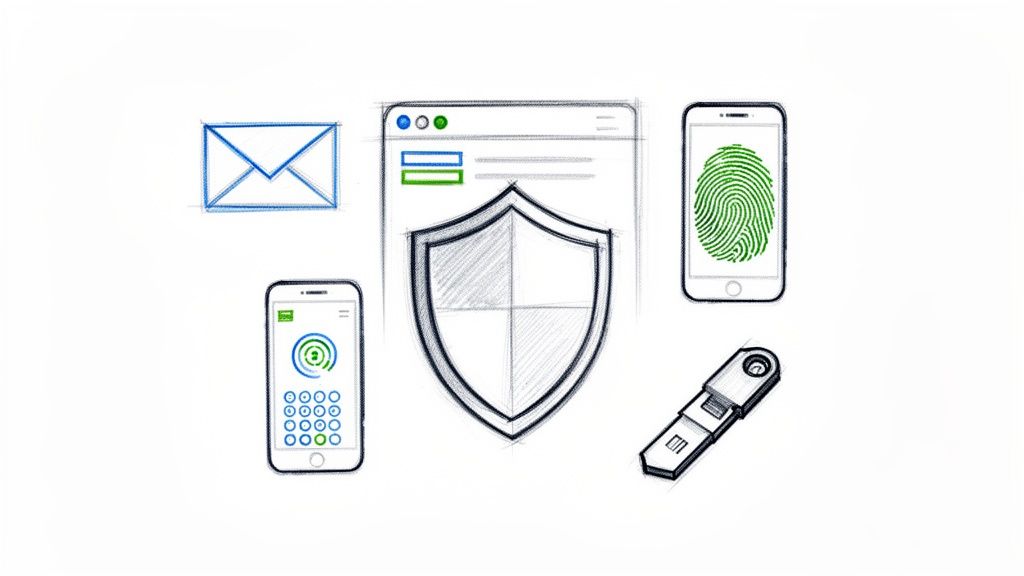
Think of your password as the key to your business's front door. Now, what if a thief stole it? Multi-Factor Authentication (MFA) is like adding a second deadbolt that requires a unique code from your phone. It’s one of the most powerful email security best practices you can deploy because it demands users prove who they are with more than just a password.
Even if a cybercriminal snags an employee's password (and trust us, it happens), they hit a digital wall without that second piece of identification. The numbers don't lie: Microsoft reports that turning on MFA blocks a staggering 99.9% of automated cyberattacks. For a small business in Greenwood or Indy, that’s not just a statistic; it’s the difference between business as usual and a catastrophic data leak.
Actionable MFA Pro-Tips
- Quick Fix: Ditch text message (SMS) codes. They're better than nothing, but they can be intercepted. Steer your team toward more secure app-based authenticators like Microsoft Authenticator or Google Authenticator. They're free and much tougher for hackers to beat.
- No Exceptions Allowed: Don't just enable MFA for your executive or admin accounts. Every single user with access to company email needs it. A breach often starts with the path of least resistance—a junior employee's less-guarded account.
- Plan for Lockouts: What happens when an employee gets a new phone? Plan ahead. Provide each user with printed backup codes and instruct them to store these in a secure, non-digital location, like a locked desk drawer. This avoids panicked calls and lost productivity.
2. Deploy Email Filtering and Anti-Phishing Solutions
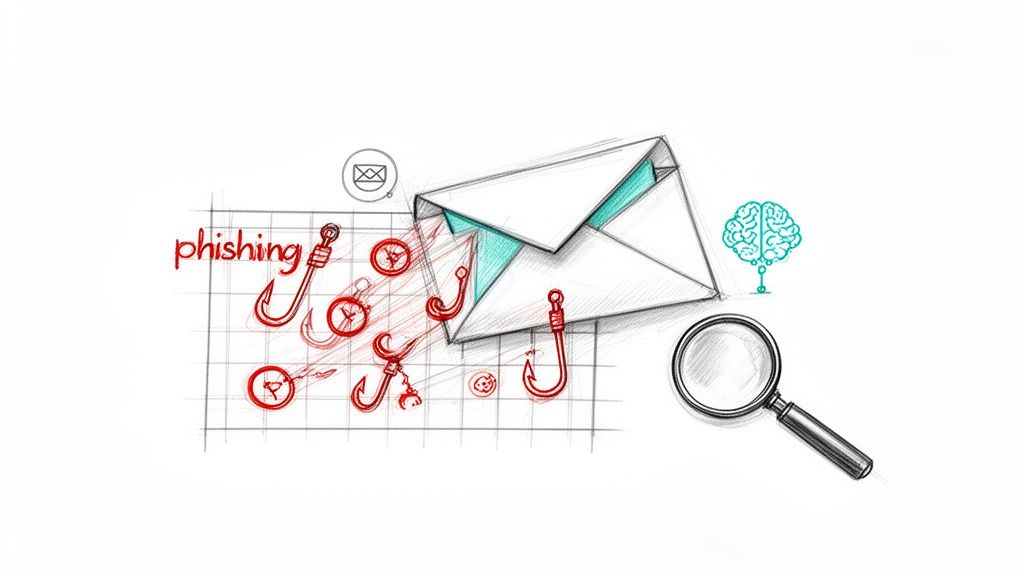
If your inbox is your business's digital front lobby, then an advanced email filter is the smart, AI-powered security guard at the door. It doesn't just check IDs; it uses machine learning to spot impostors, con artists, and digital vandals before they even step inside. This is a critical email security best practice because phishing—emails designed to trick you—remains the #1 cause of data breaches.
Modern filters don't just look for misspelled words; they analyze sender reputation, scrutinize links, and x-ray attachments in a safe, isolated environment. For a business in Central Indiana, this isn't just about stopping spam. It’s about preventing a single fraudulent email from leading to wire fraud or ransomware. Microsoft alone blocks over 18 billion malicious emails every month. That's a tidal wave of threats you can't afford to face unprotected.
Actionable Filtering Pro-Tips
- Quick Fix: Activate "Attachment Sandboxing." A sandbox is a secure, isolated virtual test chamber. When this feature is on, the filter opens any suspicious attachments in that safe space to see what they do. If the file tries to do something malicious (like encrypting files), it's detonated and blocked long before an employee can ever click on it.
- Turn Employees into Security Assets: Most advanced filters have a "Report Phishing" button you can add to Outlook or Gmail. Enable it. This not only removes the threat from the user's inbox but also feeds that intelligence back into the system, making it smarter for everyone.
- Layer with Authentication Protocols: Email filtering is your guard, but protocols like SPF, DKIM, and DMARC are the official ID system. They help your filter verify that an email claiming to be from a legitimate source (like your bank) is actually from them. To effectively combat evolving threats, consider implementing robust Premium Email Filtering solutions.
3. Enforce Strong Password Policies and Password Manager Usage
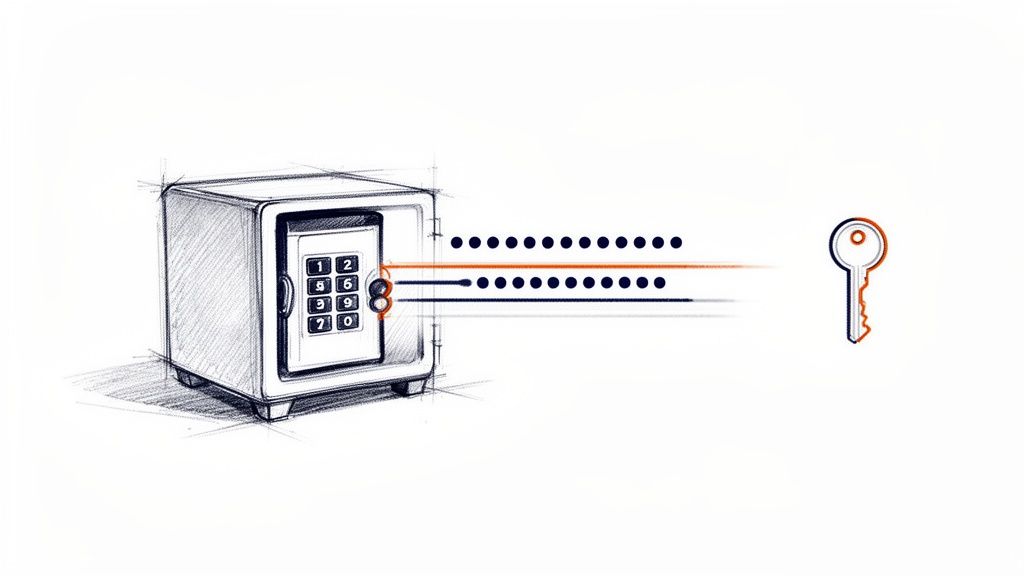
Let’s be honest, asking employees to remember P@ssw0rd123! for every account is a recipe for disaster. Weak or reused passwords are the unlocked side windows that cybercriminals crawl through, and Verizon’s research shows they are a factor in a staggering 80% of data breaches. The solution is a one-two punch: a strong password policy combined with a password manager to make security effortless.
A password manager acts like a digital vault, generating impossibly complex passwords (G7#k^9$zL@3!pQ*r) for each application and storing them securely behind a single, strong master password. This single-handedly eliminates the dangerous habit of password reuse, a major pillar of any effective email security best practices strategy. When an Indiana accounting firm mandated a password manager, they reduced password-related security incidents to zero within two years.
Actionable Password Pro-Tips
- Quick Fix: Roll it out everywhere. Don't just give the password manager to office staff. Your remote workers and field technicians need it just as much. We recommend solutions like 1Password or LastPass that offer robust business plans for easy administration.
- Modernize Your Policy: Stop forcing employees to change their passwords every 90 days. Modern guidance recommends focusing on password length (12+ characters is a great start) and only forcing a change when there's evidence of a compromise. A password manager makes creating unique, strong passwords for every service a breeze.
- Layer Up with Monitoring: Pair your password manager with a dark web monitoring service. These tools scan criminal forums for your company's email domains and alert you if employee credentials appear in a data breach, allowing you to respond before an attacker can use them.
4. Conduct Regular Security Awareness Training and Phishing Simulations
You can install the best digital fortress money can buy, but it all comes crashing down if an employee willingly opens the gate for an invader. That’s the reality: human error is a factor in the vast majority of breaches. Security awareness training, combined with regular phishing simulations, transforms your team from your biggest liability into your first line of defense. It’s about building a human firewall that can spot a fake invoice or a suspicious link before anyone clicks.
This isn't just corporate fluff; it's a proven strategy. Studies show that companies with robust security training see significantly fewer successful phishing attacks. For a business in Greenwood or Indy handling sensitive customer data, that represents a massive reduction in risk. This proactive approach arms your employees with the knowledge to recognize and report threats.
Actionable Training Pro-Tips
- Quick Fix: Start with a baseline test. Before you train, you need to know where you stand. Run a baseline phishing simulation to identify which employees are most susceptible. This isn't about shaming anyone; it’s about gathering data to tailor your training for maximum impact. Platforms like KnowBe4 or Proofpoint make this easy to manage.
- Keep it Relevant and Regular: Don't do an annual PowerPoint snoozefest. Deliver engaging, bite-sized training sessions quarterly that align with the latest threats. Use real-world examples, maybe even anonymized near-misses from your own company, to show the immediate relevance.
- Focus on Education, Not Punishment: When an employee clicks on a simulation link, use it as a teaching moment. The goal is to build vigilance and confidence. Foster an environment where employees feel safe reporting a suspicious email, even if it turns out to be nothing. Recognize employees who spot and report real phishing attempts.
5. Implement Data Loss Prevention (DLP) and Email Content Filtering
Think of your sensitive business data as cash in a bank vault. Data Loss Prevention (DLP) is the laser grid that triggers an alarm the second someone tries to sneak that cash out via email. This essential email security best practice acts as an automated guard for your outgoing messages, scanning them for sensitive information like credit card numbers, Social Security numbers, or proprietary client data.
If an employee accidentally (or intentionally) tries to email a spreadsheet full of customer info to an external address, DLP steps in to block it, encrypt it, or notify an administrator. For an Indiana business handling protected health information or financial data, this isn't a nice-to-have; it's a critical compliance and reputational safeguard. A local bank once prevented a potential multi-million dollar breach simply because their DLP system caught an email containing a massive list of customer credit card numbers before it left their network.
Actionable DLP Pro-Tips
- Quick Fix: Start with the obvious. Begin by creating DLP policies that look for the most critical, easily identifiable data. Focus on patterns for credit card numbers, Social Security numbers, and driver's license numbers. Tools like Microsoft Information Protection (MIP) have pre-built templates for these, making setup a breeze.
- Monitor Before You Block: The "block all" button is tempting, but it can disrupt legitimate business. Run your new policies in "monitor only" or "audit" mode for the first few weeks. This lets you see what would have been blocked without actually stopping it, helping you fine-tune the rules for your business.
- Educate and Alert: A great DLP policy doesn't just block emails; it teaches users. Configure your system to send an automated notification to the employee explaining why their email was flagged. This real-time feedback is far more effective than an annual training session.
6. Enable DMARC, SPF, and DKIM Email Authentication Protocols
Imagine a cybercriminal sending an invoice to your biggest client from an email address that looks exactly like yours. Scary, right? This is email spoofing, and it’s a favorite trick of scammers. DMARC, SPF, and DKIM are a trio of email authentication protocols that act like your domain's personal bouncers, ensuring only legitimate emails sent from your authorized services get through. In simple terms, they are a technical way to prove an email is really from you.
This isn't just a "nice-to-have"; it's a critical email security best practice for any Indiana business.
- SPF lists the mail servers allowed to send email for your domain.
- DKIM adds a digital signature to your emails, proving they haven't been tampered with.
- DMARC is the enforcer; it tells receiving mail servers what to do with fakes. Major players like Google and Yahoo now require these protocols, and for good reason: they shut down impersonation attacks cold.
Actionable Email Authentication Pro-Tips
- Quick Fix: Start with a "monitoring" policy. Implement DMARC with a
p=nonepolicy first. This allows you to receive reports on who is sending email on your behalf (legitimately and not) without disrupting email flow. It’s like putting your domain under surveillance before sending in the troops. - Inventory All Senders: Before you can create a perfect SPF record, you need to know every single service that sends email for your business. This includes your primary email provider (Microsoft 365, Google Workspace), marketing platforms (Mailchimp), and accounting software (QuickBooks). Forgetting one can lead to legitimate emails being marked as spam.
- Gradually Increase Enforcement: Once you're confident you've identified all legitimate senders, move your DMARC policy to
p=quarantine(sends fakes to spam) and then finally top=reject(blocks them entirely). Beyond just enabling these protocols, it's vital to regularly learn how to check SPF DKIM DMARC records to boost email security.
7. Configure Email Archive and Retention Policies
Imagine your company’s email system is a massive file cabinet. Over the years, it gets stuffed with crucial contracts and last year's lunch orders. An email archive and retention policy is your expert filing clerk, neatly storing every important document in a secure vault while responsibly shredding the junk after a set period. It preserves all sent and received emails in an unchangeable, searchable format—a lifesaver for legal discovery and internal audits.
This isn't just digital housekeeping; it's a powerful business and security tool. When you're facing a legal challenge or a compliance audit, you can’t afford to spend days sifting through messy inboxes. A proper archive allows you to find specific emails in seconds. For a business in Indiana, this is a critical practice that ensures you can prove what was said and when, protecting you from liability.
Actionable Archive & Retention Pro-Tips
- Quick Fix: Set clear timelines. Don't just archive everything forever. Define retention schedules based on data type. For example, keep general business correspondence for 3 years, but lock down financial and legal records for 7 years or longer, as required by regulations.
- Activate Legal Holds Instantly: The moment you anticipate litigation, place a "legal hold" on relevant mailboxes. This overrides all deletion policies, preserving critical evidence and preventing accidental or intentional destruction of records. This feature is a must-have in any modern archiving system.
- Test Your Recovery Process: An archive is useless if you can't retrieve data from it under pressure. Regularly test your recovery procedures to ensure you can quickly and accurately pull specific emails or entire mailboxes. This is the kind of fire drill that prevents a real disaster.
8. Establish a Mobile Device Management (MDM) Policy for Email Access
Your business email doesn't stay on office desktops anymore; it's on phones in grocery store lines and tablets at coffee shops. Mobile Device Management (MDM) is like having a digital security guard for every one of those devices. It’s a crucial email security best practice that sets rules for how company data can be accessed, ensuring your sensitive information stays protected no matter where your employees are.
With an MDM solution, you can enforce security policies like requiring PIN codes and even remotely wiping a lost or stolen device. Think of it this way: if an employee's phone is stolen from their car in a Carmel parking lot, MDM is the tool that lets you digitally shred the company data on it before a thief can access it. Solutions like Microsoft Intune make this accessible for any size business.
Actionable MDM Pro-Tips
- Quick Fix: Start with app-level protection. Full device takeover can feel invasive to employees using personal phones. Use MDM to require a separate PIN or face scan just to open the Outlook app. This creates a secure "container" for business data without controlling their entire device.
- Enforce the Updates: A common entry point for hackers is an unpatched, outdated operating system. Use your MDM policy to set up "conditional access." This means a device can only connect to your company email if its operating system is up-to-date, effectively blocking vulnerable devices.
- Communicate Clearly and Plan for Wipe: Be transparent with your team about what the MDM policy does. Clearly document the procedure for reporting a lost or stolen device so you can execute a remote wipe immediately. This proactive planning turns a potential disaster into a managed inconvenience.
9. Monitor and Log Email Traffic with Security Information and Event Management (SIEM)
If your email system is a digital fortress, think of a Security Information and Event Management (SIEM) system as your 24/7 security control room. It's a sophisticated platform that pulls in data logs from all your security tools—your email gateway, firewalls, and computers—to spot the subtle patterns of a sophisticated attack.
This isn't just about collecting data; it's about connecting the dots in real-time. For example, a SIEM can flag an impossible travel scenario, like a user logging into their email from Indianapolis and then, five minutes later, from a server in Eastern Europe. For Indiana businesses in regulated industries like finance or healthcare, this level of visibility isn't just a best practice; it's often mandatory for compliance.
Actionable SIEM Pro-Tips
- Quick Fix: Start in the cloud. Don't get bogged down with building your own server infrastructure. Cloud-based SIEMs like Microsoft Sentinel or Splunk Cloud offer powerful analytics without the massive upfront investment. You pay for what you use, making enterprise-grade monitoring affordable.
- Create High-Risk Alerts: You can’t watch everything, so focus on what matters most. Configure your SIEM to send immediate alerts for high-risk scenarios, such as multiple failed login attempts followed by a success from an unusual location, or a single account suddenly sending hundreds of emails.
- Establish a Baseline: Your SIEM’s real power comes from spotting unusual activity. Work with your IT partner to establish a "baseline" of what normal email traffic looks like for your Greenwood-based business. This allows the system to instantly recognize when behavior deviates from the norm, which is often the first sign of a compromise.
10. Implement Email Encryption for Sensitive Communications
Sending a regular email is like mailing a postcard; anyone who intercepts it can read it. Email encryption transforms that postcard into a locked metal briefcase. It scrambles your sensitive information into unreadable code, ensuring only the intended recipient with the correct digital key can unlock it. This is a non-negotiable email security best practice when handling client financial records, legal details, or proprietary business secrets.
For an Indiana law firm handling sensitive case details or a Carmel-based financial advisor discussing investment portfolios, encryption is the digital equivalent of attorney-client privilege. Services like Microsoft 365’s built-in Information Protection can use automated policies to encrypt emails containing specific keywords or data patterns, taking the guesswork out of security for your team.
Actionable Encryption Pro-Tips
- Quick Fix: Automate it. Don't rely on employees to remember to click "Encrypt." Set up Data Loss Prevention (DLP) policies that automatically encrypt any outbound email containing sensitive information like Social Security numbers or credit card details. This enforces security without disrupting workflow.
- Plan for External Recipients: Not everyone outside your organization will have compatible encryption software. Implement a system that provides a secure web portal where external recipients can log in to view encrypted messages. This ensures seamless and secure communication with clients and partners.
- Train Your Team on 'When' and 'Why': While automation is key, your team must understand the importance of encryption. Train them to recognize sensitive information and manually apply encryption for unique situations that policies might miss. Explain that it’s about protecting the client and the business, not just checking a box.
10-Point Comparison of Email Security Best Practices
| Solution | Implementation Complexity 🔄 | Resource & Cost ⚡ | Expected Outcomes ⭐ | Ideal Use Cases 📊 | Key Advantages 💡 |
|---|---|---|---|---|---|
| Implement Multi-Factor Authentication (MFA) for Email Accounts | Low–Medium; 2–4 weeks; user enrollment and policy setup | Low; often included with M365/GWorkspace or $2–5/user·mo; moderate support | ⭐⭐⭐⭐⭐; ~99.9% reduction in account compromise | Remote work, admin accounts, all-user protection | Strong credential protection, phishing resistance, compliance support |
| Deploy Email Filtering and Anti-Phishing Solutions | Low; 1–2 weeks; gateway or cloud deployment | $2–8/user·mo; cloud-managed, minimal latency | ⭐⭐⭐⭐☆; blocks 95–99% phishing/malware | High phishing volumes; frontline inbox protection | ML-driven detection, sandboxing, reporting; reduces help-desk load |
| Enforce Strong Password Policies & Password Manager Usage | Medium; 3–6 weeks; policy rollout + manager deployment/training | $2–5/user·mo; IT involvement for setup | ⭐⭐⭐⭐☆; reduces credential attacks and reuse | SMBs needing centralized credential management and compliance | Generates/stores strong passwords, centralized auditing, fewer resets |
| Conduct Regular Security Awareness Training & Phishing Simulations | Low–Medium; immediate start, ongoing quarterly programs | $1–3/user·mo; staff time investment | ⭐⭐⭐⭐☆; click rates drop 50–85% over 12 months | All orgs; high social-engineering risk environments | Behavior change, measurable metrics, cost-effective prevention |
| Implement Data Loss Prevention (DLP) & Email Content Filtering | High; 4–8 weeks; policy tuning and monitoring required | $3–10/user·mo; admin review overhead | ⭐⭐⭐⭐☆; prevents sensitive data leaks, aids compliance | Organizations handling PHI/PCI/financial or proprietary data | Pattern matching, auto-redaction/encryption, forensic logs |
| Enable DMARC, SPF, and DKIM Email Authentication Protocols | Low–Medium; 2–4 weeks; DNS coordination and phased rollout | Low; free DNS records, optional monitoring $500–2k/yr | ⭐⭐⭐⭐☆; prevents domain spoofing; improves deliverability | Domains sending marketing/transactional email; brand protection | Quick ROI, visibility into senders, reduces impersonation attacks |
| Configure Email Archive and Retention Policies | Medium–High; 4–12 weeks depending on volume | $1–5/user·mo or $5K–50K one‑time; storage and management costs | ⭐⭐⭐⭐☆; ensures compliance and expedites eDiscovery | Regulated industries, legal/finance, long‑term recordkeeping | Immutable search, legal holds, lowers primary server storage |
| Establish a Mobile Device Management (MDM) Policy for Email Access | Medium–High; 6–12 weeks; enrollment and policy enforcement | $3–8/device·mo; ongoing management and support | ⭐⭐⭐⭐☆; protects data on lost/stolen devices, enforces compliance | BYOD environments and mobile-first workforces | Remote wipe, conditional access, app containerization |
| Monitor & Log Email Traffic with SIEM | High; 8–16 weeks; complex deployment and tuning | High; $2K–10K+/mo or MSSP; storage and analyst costs | ⭐⭐⭐⭐☆; faster detection/response; forensic capability | Organizations requiring advanced detection, compliance, SOC2 | Real-time correlation, automated playbooks, audit evidence |
| Implement Email Encryption for Sensitive Communications | Medium; 3–8 weeks; PKI/key management and client integration | $0.50–2/user·mo; portal/key management and training | ⭐⭐⭐⭐☆; protects confidentiality; meets regulatory requirements | PHI/PCI/legal/financial communications and external sharing | End-to-end confidentiality, automated policies, recipient portals |
Bringing It All Together: Your Next Steps for a Secure Inbox
We've covered a lot of ground, from the digital deadbolt of Multi-Factor Authentication to the high-tech surveillance of a SIEM system. You now have a comprehensive blueprint for defending your Indiana business's most critical communication channel. It’s a lot to take in. The world of SPF, DKIM, and DMARC can sound like a forgotten boy band, and the thought of implementing a full security program can feel daunting.
But here’s the secret: you don’t have to do it all at once. The goal is consistent, deliberate progress. Think of it like building a house. You wouldn't put the roof on before pouring the foundation. The same principle applies to these email security best practices.
Your High-Impact Starting Line
Feeling overwhelmed? Don't be. If you're wondering where to begin, focus on the "big three" foundational pillars that will give you the most security bang for your buck.
- Multi-Factor Authentication (MFA): This is your digital deadbolt. If you do nothing else from this list, do this. Implementing MFA immediately neutralizes the threat of stolen passwords, the #1 way attackers get in.
- Strong Password Policies & a Password Manager: Stop relying on sticky notes and "P@ssword123!". Deploy a business-grade password manager to remove the human element of remembering dozens of unique, complex passwords.
- Employee Training: Your team is your first and last line of defense. A well-trained employee who can spot a phishing email is more valuable than the most expensive firewall. Regular training and simulated phishing tests transform your staff from potential victims into a vigilant human firewall.
Mastering these three areas will dramatically shrink your attack surface. From there, you can begin layering on more technical controls. The key is to build your security posture brick by brick.
From Knowledge to Action: Making It Real
Reading about email security best practices is one thing; implementing them correctly is another beast entirely. The details matter. A misconfigured security setting can block legitimate emails from your customers. A poorly managed policy can frustrate your team and hinder productivity. This is where having a local expert in your corner is a strategic advantage.
For businesses here in Central Indiana, having a Greenwood-based partner means you get more than just a voice on a support line; you get hands-on help, rapid on-site response when needed, and advice tailored to our local business landscape. Your inbox is the digital lifeblood of your company. Protecting it isn't just an IT expense; it's a fundamental investment in your business's continuity and reputation.
Ready to move from theory to a fortified inbox? If you’re a business owner in the Indianapolis area and want to implement these email security best practices without the headache, we're here to help. We translate complex cybersecurity into practical, affordable solutions for businesses just like yours. Let's schedule a no-obligation consultation and build a security plan that lets you focus on what you do best.