12 Best Malware Removal Tools for Businesses in 2026
TL;DR: Choosing the right malware removal tool is critical for business continuity, preventing downtime that can cost up to $9,000 per minute. This guide details 12 top solutions for 2026, focusing on their return on investment (ROI) for Central Indiana businesses. Tools like Bitdefender GravityZone and CrowdStrike Falcon offer advanced prevention that meets compliance needs for HIPAA or CMMC. For a Greenwood business with aging hardware, a lightweight solution like Webroot prevents slowdowns. For those in the Microsoft ecosystem, Defender for Business is a cost-effective choice. The goal is to convert wasted tech time into billable hours by proactively stopping threats, not just cleaning up after them. The best tool prevents costly incidents, ensuring your business stays operational.
So, your network is acting weird. Maybe an employee clicked a suspicious link, or perhaps the aging server in your Greenwood business park is suddenly slower than rush hour traffic on I-65. Whatever the reason, you suspect malware. You’re staring down costly downtime—which can reach $9,000 per minute—potential data theft, and a massive headache. That sinking feeling is exactly why we built this list.
This isn’t another generic roundup. In our 17 years of local service, we've dealt with everything from ransomware attacks on Johnson County manufacturers to sneaky spyware trying to breach HIPAA-compliant healthcare providers downtown. This article is the direct result of that experience, a curated guide to the best malware removal tools for Central Indiana businesses. We'll cut through the marketing fluff and explain how these solutions prevent downtime and turn "wasted tech time" into billable hours. Many of the advanced tools listed use modern technology; understanding how new approaches like Artificial Intelligence for Threat Detection work is key to appreciating their power.
We’ll dissect each tool, showing you what it looks like and providing direct links. You'll learn the difference between simple detection and bit-level data recovery, and see how tools like Bitdefender GravityZone or Microsoft Defender for Business stack up for an Indiana SMB. Let's get your business back to work.
1. ThreatDown by Malwarebytes (formerly Malwarebytes for Business)
Malwarebytes earned its reputation as the go-to cleanup crew for infected PCs, and its business-grade evolution, ThreatDown, builds on that legacy. For small businesses in the Indy metro area, this isn't just another antivirus; it's a critical tool for business continuity. Its real strength lies in automated remediation. If a nasty piece of malware slips past your defenses, ThreatDown doesn't just put out the fire (the infection) but also rebuilds the damage, often rolling back ransomware encryption to a pre-attack state. This converts a multi-day disaster into a minor hiccup, saving thousands in lost productivity.
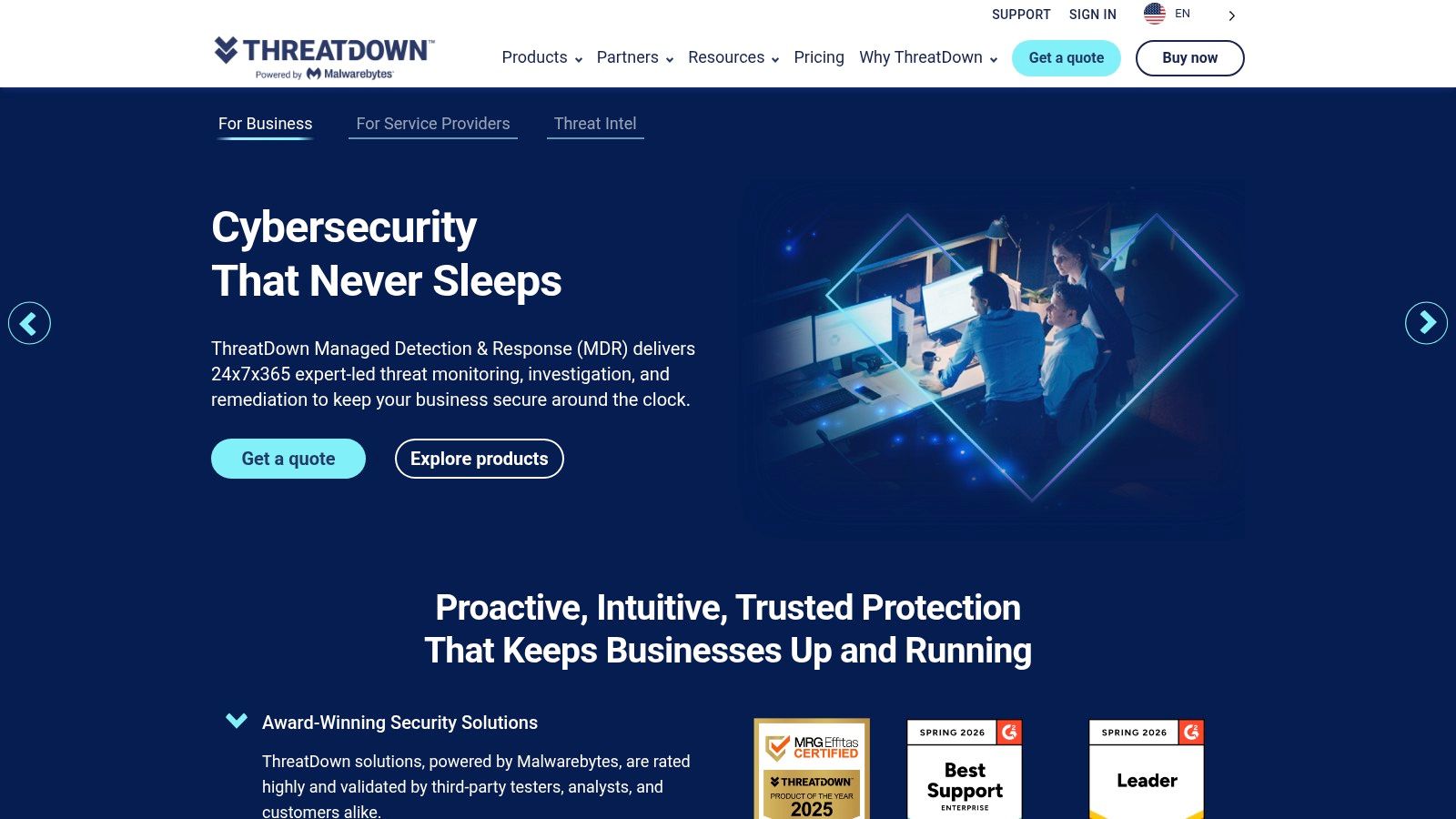
The platform’s OneView console is a godsend for managed service providers (like us) or for the one-person IT department managing a growing Johnson County business. It allows for central deployment and monitoring without needing a PhD in cybersecurity. While its threat-hunting tools aren't as deep as some enterprise-only systems, its brute-force removal and rollback capabilities are exactly what an SMB needs to recover from an incident and get back to billing hours, not fighting viruses. It’s one of the best malware removal tools precisely because it focuses on the removal part so effectively.
Key Details & Use Case
- Best For: Fast incident response, cleaning up an existing infection, and reliable ongoing protection for teams without a dedicated security analyst.
- Deployment: Cloud-based console with a lightweight agent, making it easy to roll out across endpoints from Greenwood to Hamilton County.
- Pricing: Bundles are available, but you'll need to request a quote for specific multi-endpoint pricing. This is standard for business software that scales.
- Pros: Top-tier malware cleanup and ransomware rollback; simple management interface.
- Cons: Advanced threat-hunting is limited; public pricing is not transparent for all tiers.
You can learn more and request a demo at their website: https://www.threatdown.com
2. Bitdefender GravityZone Business Security Premium
Bitdefender has long been a heavyweight in cybersecurity. For a business on the I-65 corridor, GravityZone Business Security Premium is less of a simple antivirus and more of a full-fledged security operations center in a box. It brings enterprise-grade prevention and detection down to an SMB-friendly level. Its strength is its layered defense; it doesn’t just wait for a known virus signature. It uses machine learning to block suspicious behaviors, sandboxing to safely detonate questionable files, and specific defenses against fileless attacks that traditional tools miss. This is the kind of robust defense needed to maintain compliance with standards like HIPAA or CMMC.
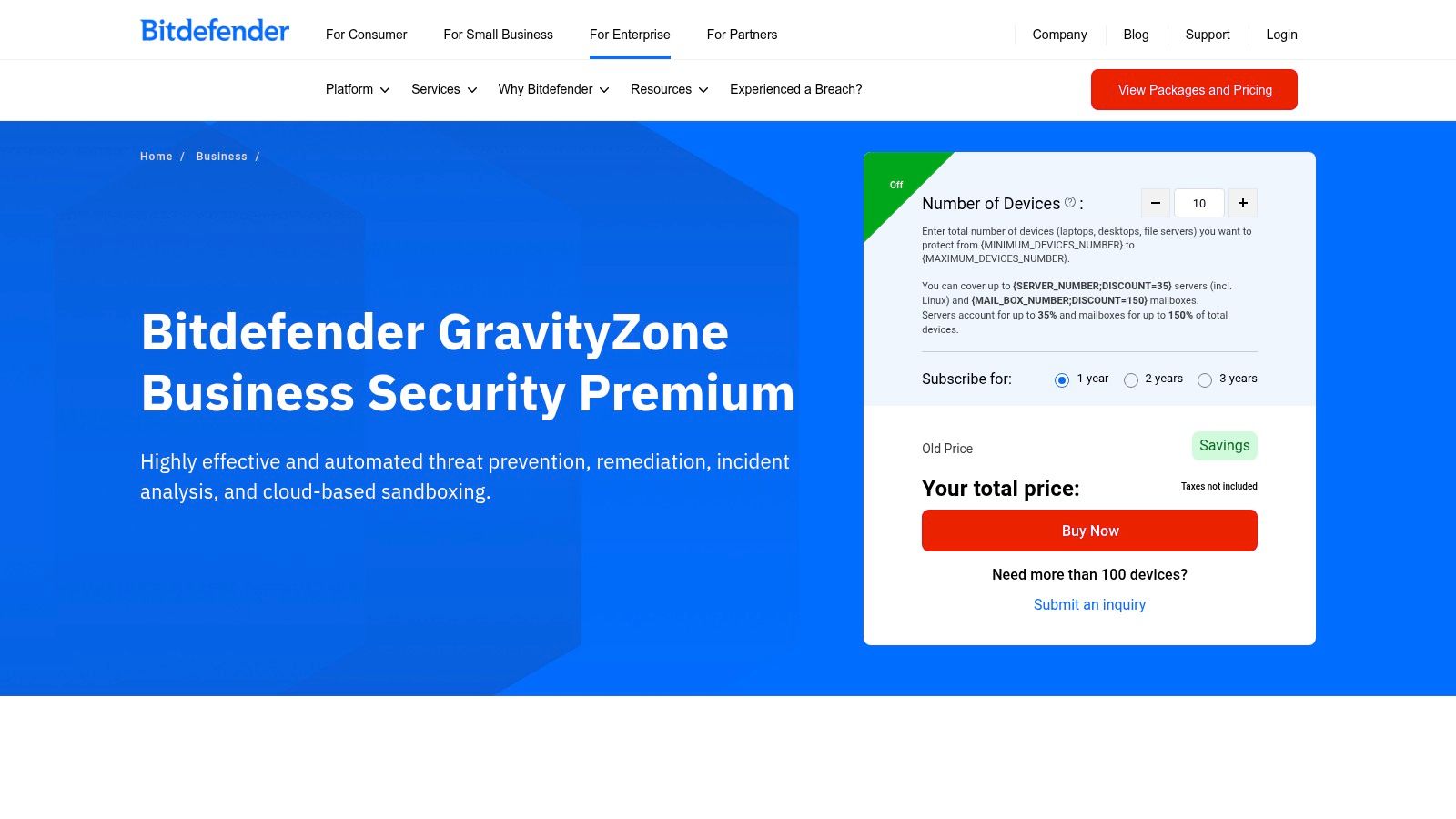
The GravityZone cloud console provides a single pane of glass to manage everything, which is crucial for busy IT staff or managed service providers like us supporting clients from Indianapolis to Greenwood. While it has powerful cleanup capabilities, its true value is stopping threats before they require a cleanup crew. For organizations handling sensitive data, the optional add-ons for full disk encryption and patch management are a critical advantage. This prevention-first approach maximizes uptime, providing a strong ROI by avoiding costly breaches in the first place.
Key Details & Use Case
- Best For: Businesses needing top-tier prevention with robust EDR (Endpoint Detection and Response) features, especially those in regulated industries.
- Deployment: Cloud-based console with endpoint agents. Add-ons for encryption and patch management are deployed from the same console.
- Pricing: Quoted per endpoint with discounts for higher seat counts. You’ll need to contact them or a partner for a precise quote.
- Pros: Outstanding threat prevention scores in third-party tests; mature, feature-rich management platform with useful add-ons.
- Cons: Pricing can be complex, and the default auto-renewal setting has caught some admins off guard.
You can learn more and see the product in action at their website: https://www.bitdefender.com/en-us/business/products/gravityzone-premium-security
3. Microsoft Defender for Business
If your business runs on Microsoft 365, you might be sitting on one of the best malware removal tools without even knowing it. Microsoft Defender for Business isn't the basic antivirus from Windows XP; it's a full-fledged endpoint security solution designed for businesses with up to 300 employees. For any company from Greenwood to Carmel already invested in the Microsoft ecosystem, adding Defender is a no-brainer. Its core strength is its native integration, eliminating the need for another agent and another console, which simplifies management and contributes to a predictable monthly IT budget.
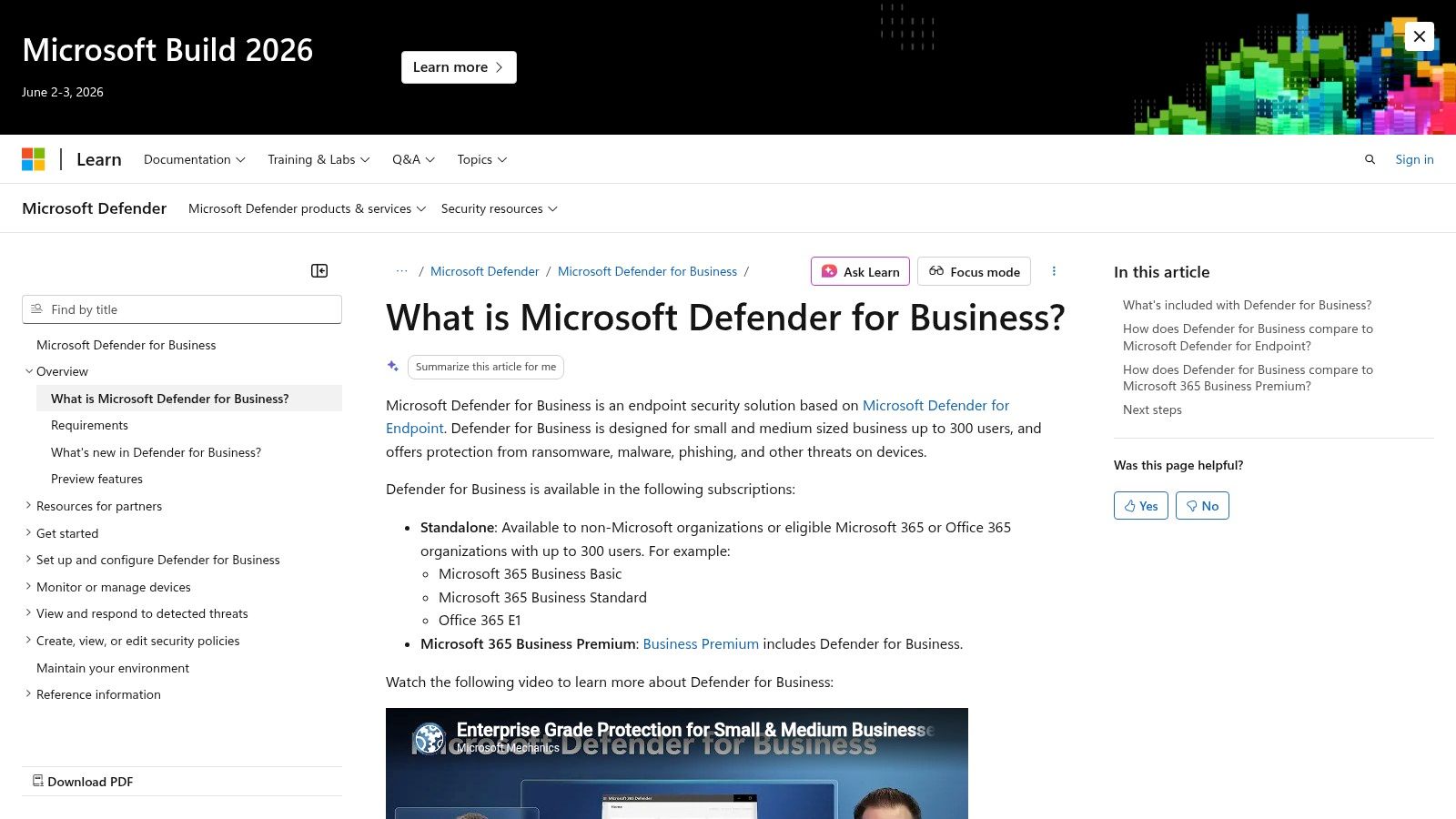
The platform provides genuine Endpoint Detection and Response (EDR) capabilities. This means it doesn't just block known viruses; it actively hunts for suspicious behaviors, automatically investigates them, and neutralizes threats before they can spread. For a Johnson County business owner who just wants their tech to work, this automated remediation is key to preventing downtime. While it’s not as simple as some competitors, it provides a powerful, built-in option that can be a fantastic value, especially when bundled with Microsoft 365 Business Premium. For a deeper dive, check out our guide to the best antivirus software for small businesses.
Key Details & Use Case
- Best For: Businesses up to 300 employees already using Microsoft 365; companies wanting a single, integrated security and productivity platform.
- Deployment: Cloud-native, managed through the Microsoft 365 Defender portal. It's built right into modern versions of Windows.
- Pricing: Included with Microsoft 365 Business Premium or available as a standalone add-on. Contact a Microsoft partner for specifics.
- Pros: Outstanding value when bundled; native Windows integration means no extra agents and less system bloat.
- Cons: The best experience is in a Microsoft-centric environment; unlocking advanced features requires careful configuration and a bit of a learning curve.
You can learn more and see the technical details at their overview page: https://learn.microsoft.com/en-us/microsoft-365/security/defender-business/mdb-overview
4. ESET PROTECT (Advanced/Complete)
ESET has long been the quiet professional in cybersecurity, known for building tools that just work without hogging system resources. For a small business on the I-65 corridor, especially one running on aging server hardware, ESET PROTECT is the equivalent of a silent, hyper-efficient security guard. It’s exceptionally lightweight, meaning your team’s computers won't slow to a crawl, ensuring productivity isn't sacrificed for security. Its real power comes from its multi-layered defense, combining machine learning and a live cloud reputation system (ESET LiveSense) to spot and stop threats before they cause downtime.
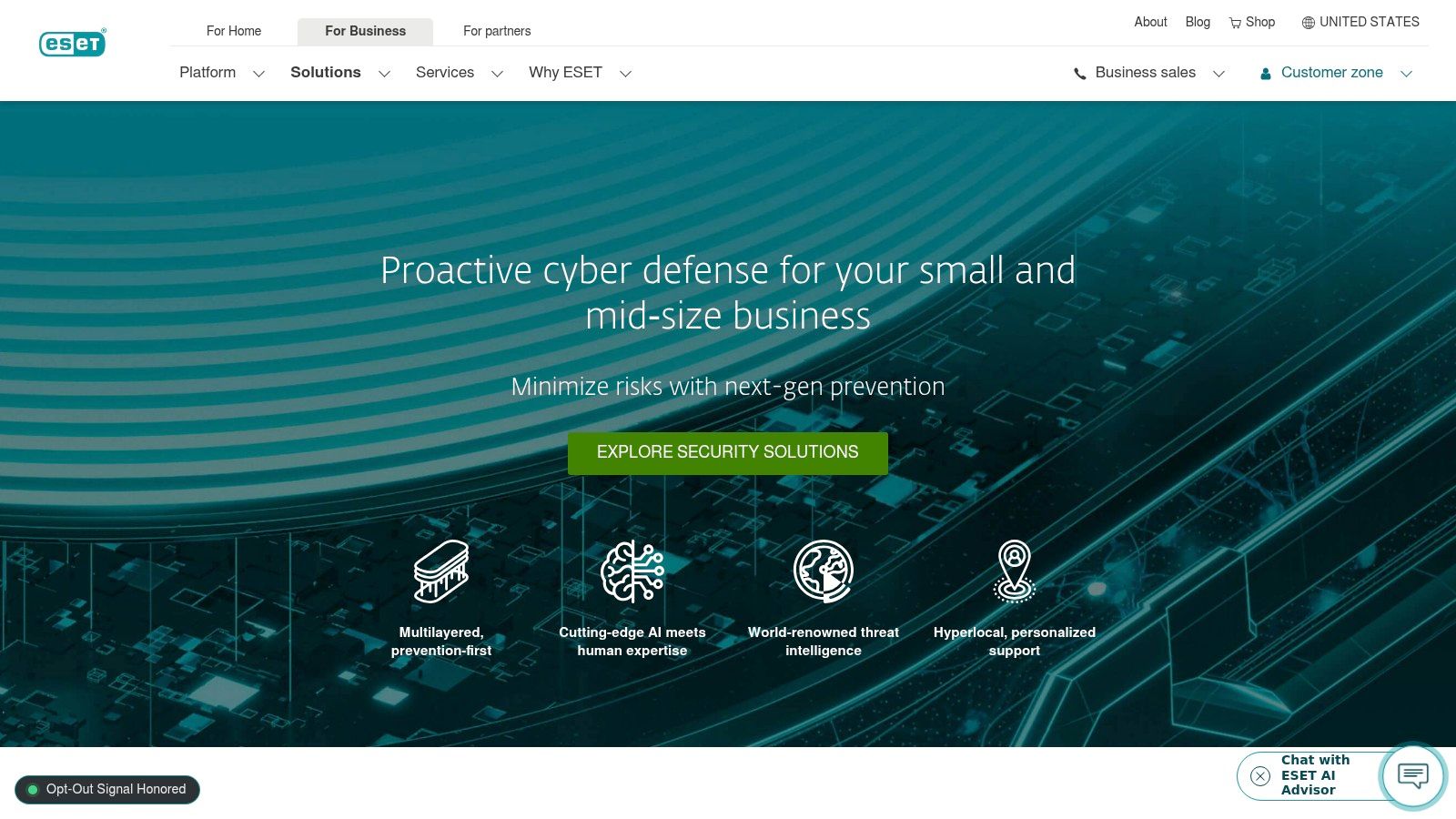
The platform's granular policy controls, managed from a single cloud console, are a huge plus for any business needing to enforce specific security rules, a common requirement for those handling HIPAA or CMMC data. While it provides strong automated remediation, its strength is in prevention. The Ransomware Shield and exploit blocker are particularly effective at neutralizing zero-day attacks. This focus on stopping trouble before it starts makes it one of the best malware removal tools because the best "removal" is the one you never have to perform, maximizing ROI by keeping your business online.
Key Details & Use Case
- Best For: Proactive prevention on a budget, businesses needing strong security with minimal performance impact, and companies with a mix of Windows, Mac, and Linux systems.
- Deployment: Flexible cloud or on-premises console with a feather-light agent that’s simple to push out to endpoints across your entire organization.
- Pricing: Subscription tiers are modular and clear, making it easy for SMBs to choose a plan. Note that some advanced modules have minimum device counts.
- Pros: Very low system resource usage; excellent preventative tech like exploit blocking; clear, scalable subscription model.
- Cons: Certain advanced detection and response (XDR) features require higher-tier subscriptions or add-ons; some modules have a 25-device minimum.
You can learn more and see the different tiers at their website: https://www.eset.com/us/business/small-and-medium/
5. Sophos Intercept X (Endpoint)
Sophos Intercept X is a flagship endpoint protection that goes far beyond basic virus scanning. For a growing Franklin or Fishers business, it acts as a preemptive strike force. Its strength lies in combining modern deep-learning artificial intelligence with time-tested security principles. This isn't just about finding known malware; it's about identifying the behaviors of an attack, like unauthorized file encryption, and shutting it down cold with its CryptoGuard anti-ransomware feature. This direct prevention of a catastrophic event like ransomware is the ultimate ROI, saving businesses from days or weeks of crippling downtime.
The platform provides a Root Cause Analysis tool that gives you a visual storyboard of an attack, showing exactly how the malware got in. This is invaluable for preventing a repeat performance and hardening defenses in line with NIST CSF guidelines. While some of its most powerful features, like live response, may be part of higher-tier packages, the core protection is exceptionally strong. For companies needing one of the best malware removal tools that also provides top-tier prevention, Sophos is a formidable choice. You can learn more about how it fits into a complete security stack by finding the best endpoint protection software for Indiana businesses in 2026.
Key Details & Use Case
- Best For: Businesses needing strong ransomware defenses, detailed post-incident investigation, and a path to add managed detection services later.
- Deployment: Cloud-managed agent that deploys across your network, from the main office in downtown Indy to remote workers on the southside.
- Pricing: Requires a quote from a partner like Finchum Fixes IT, as pricing is not publicly listed and depends on features and endpoint count.
- Pros: Excellent anti-ransomware with rollback capabilities; powerful incident investigation tools; a mature and trusted security ecosystem.
- Cons: Public pricing is not transparent; advanced features are often bundled in higher-cost tiers or as separate add-ons.
You can learn more and request a quote at their website: https://www.sophos.com/en-us/products/endpoint-security/request-pricing
6. Trend Micro Apex One
Trend Micro Apex One is a mature, battle-tested security stack in a single agent. For a growing Indiana business, especially one in manufacturing or healthcare subject to regulations like HIPAA, Apex One provides broad visibility and control. Its strength isn't just detecting threats; its behavior monitoring is excellent at spotting fileless malware and ransomware activity that might sneak past signature-based tools. Stopping a potential disaster before it starts is the core of business continuity, ensuring your operations along the I-65 corridor remain uninterrupted.
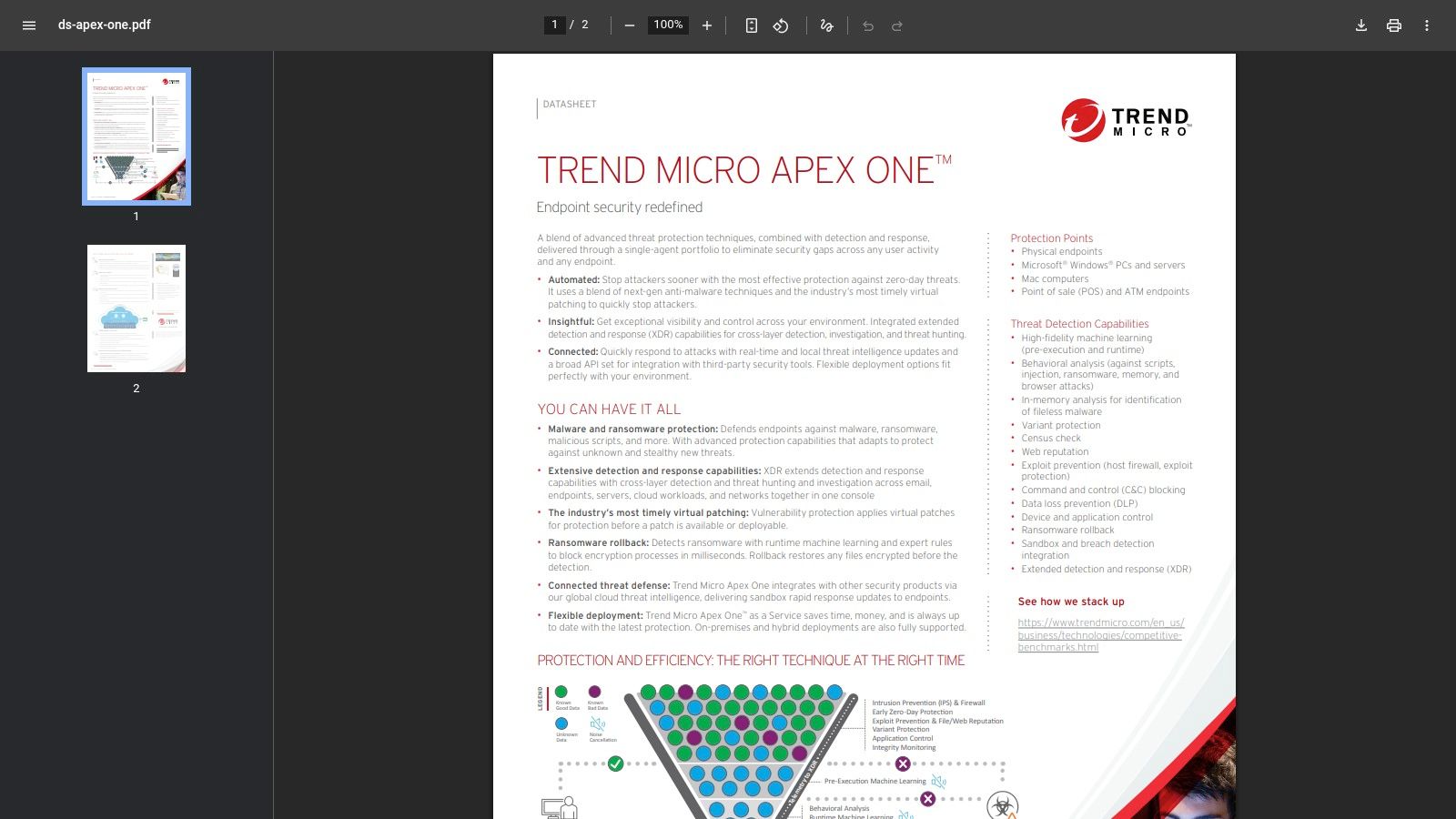
While some SMBs might find the full feature set daunting, the SaaS deployment option makes enterprise-grade tools accessible without needing a server rack in your Greenwood office. The integration with Trend Micro's Smart Protection Network provides a near-real-time global threat intelligence feed, meaning you’re protected from new threats as they emerge worldwide. This makes it one of the best malware removal tools because it focuses on prevention and deep remediation, stopping threats before they require a full-blown cleanup operation and keeping your staff focused on billable work.
Key Details & Use Case
- Best For: Businesses needing a comprehensive security suite with strong preventative controls, especially those in regulated industries.
- Deployment: Flexible options including a multi-tenant SaaS model (great for MSPs like us) or a traditional on-premises deployment.
- Pricing: Available through partners and resellers. You'll need to contact a vendor for a quote, which allows for customized packages.
- Pros: Broad set of security controls in a single agent; mature enterprise features made accessible for SMBs.
- Cons: Pricing isn't public; the sheer number of features and package options can be complex to navigate without expert guidance.
You can get technical specs and find a partner at their website: https://www.trendmicro.com/content/dam/trendmicro/global/en/business/products/user-protection/sps/endpoint-security-apex-one/ds-apex-one.pdf
7. Webroot Business Endpoint Protection (by OpenText)
Webroot is famous for being incredibly lightweight; its agent is so small you'll forget it's there. For an Indianapolis business juggling multiple priorities, the last thing you need is security software that grinds your computers to a halt. This is a common problem we see in older brick buildings with spotty Wi-Fi. Webroot's cloud-based approach means scans are blazing fast, and the impact on system resources is almost zero. This is a direct boost to productivity, ensuring your team's workflow isn't interrupted and billable hours aren't wasted on slow tech.
Its real magic for malware removal lies in the behavioral journaling and rollback feature. Instead of just blocking known threats, Webroot monitors system changes. If it detects malicious activity, it can stop the process and reverse the damage, effectively turning back the clock to a pre-infection state. For an MSP managing dozens of endpoints from Carmel to the I-65 corridor, this is an excellent tool for rapid cleanup, directly preventing costly downtime. To get the most out of it, check out our guide on endpoint security best practices for Indianapolis SMBs.
Key Details & Use Case
- Best For: MSPs and SMBs needing a low-footprint solution that is quick to deploy and manage without bogging down user devices.
- Deployment: Fully cloud-managed with a tiny agent (under 5MB), ideal for rapid rollout across a distributed workforce.
- Pricing: Tiered per-endpoint pricing is available through partners and direct quotes. Add-ons like DNS Protection are priced separately.
- Pros: Extremely light on system resources; very fast to deploy and manage at scale; effective rollback feature for remediation.
- Cons: Focuses more on prevention and automated cleanup than deep XDR analytics; advanced threat hunting tools are limited.
You can learn more and get a free trial at their website: https://www.webroot.com/us/en/business/products/endpoint-protection
8. CrowdStrike Falcon (Prevent/Enterprise)
CrowdStrike Falcon is the heavyweight champion of endpoint detection and response (EDR), bringing enterprise-grade security within reach of ambitious Indiana businesses. Where many tools focus on cleanup, Falcon’s primary mission is prevention using a Zero Trust architecture and behavioral AI. It doesn’t just look for known malware signatures; it watches for suspicious activity, like an unauthorized script trying to run on a server in your Plainfield warehouse. This makes it exceptionally good at stopping zero-day threats and is critical for businesses that must meet strict compliance standards like CMMC or HIPAA.
For a growing Johnson County company or a downtown Indy tech hub, Falcon provides a single, cloud-native console to see everything happening across your network. Its real-time response capabilities allow a SOC-as-a-Service provider like us to instantly isolate a compromised machine, preventing an infection from spreading down the I-65 corridor. It’s one of the best malware removal tools for businesses that cannot afford any downtime. The ROI is clear: it prevents the incident from happening in the first place.
Key Details & Use Case
- Best For: Businesses with high-stakes data, compliance requirements, and a need for proactive threat prevention rather than just reactive cleanup.
- Deployment: Cloud-native platform with an extremely lightweight agent that doesn't slow down user endpoints, deployable from anywhere.
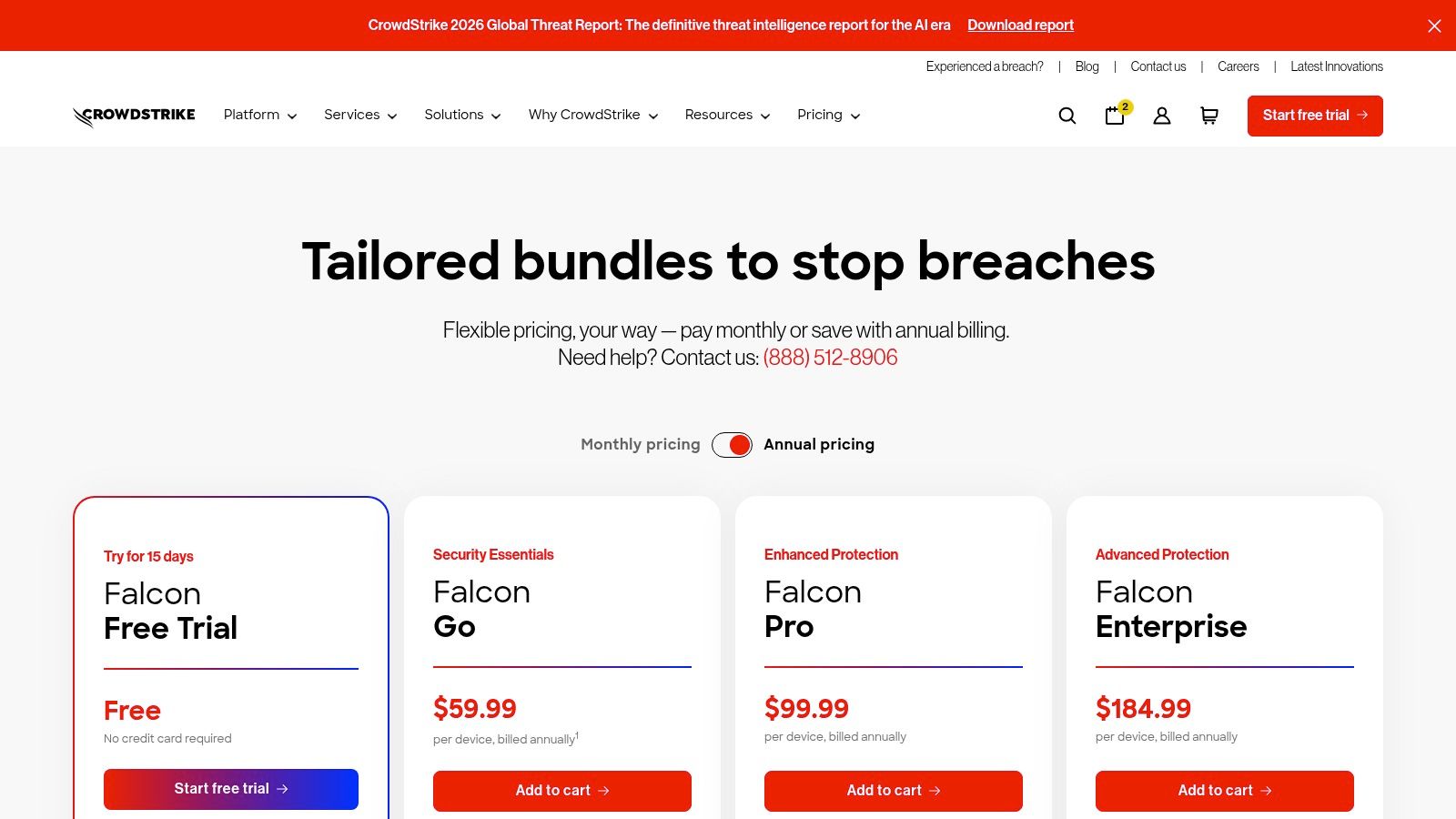
- Pricing: Public self-service plans are available, which is rare in this space. However, costs can grow as you add more advanced modules and increase data retention periods.
- Pros: World-class detection and response capabilities; transparent entry-level pricing and trials are available.
- Cons: Can become expensive as you scale and add modules; full functionality might be more than a typical SMB needs.
You can learn more and see pricing at their website: https://www.crowdstrike.com/en-us/pricing/
9. SentinelOne Singularity (Endpoint)
SentinelOne Singularity represents fully autonomous defense. For a growing Franklin or Fishers business, this isn't just an antivirus; it's a security robot that lives on each device. Its core strength is its behavioral AI, which watches for suspicious activity patterns. When it detects a threat, like ransomware starting its encryption routine, it instantly kills the process, quarantines the malicious files, and can even roll back the endpoint to its pre-attack state. This autonomous response minimizes downtime to seconds or minutes, not days, providing an immense ROI by preserving business continuity.
The platform's Storyline feature is a game-changer for incident response. It provides a visual map of exactly how an attack unfolded. For a managed service provider like us, this telemetry is gold, allowing us to rapidly diagnose and harden defenses—such as implementing immutable off-site backups—without hours of manual log digging. While it’s often deployed through partners for the SMB market, its power makes it one of the best malware removal tools available. It stops attacks cold and provides the evidence needed to prevent a repeat performance, a critical function for any business operating along the I-65 corridor.
Key Details & Use Case
- Best For: Proactive threat prevention, automated incident response, and organizations needing detailed forensic data after an attack.
- Deployment: Cloud-native platform with a single agent for Windows, macOS, and Linux, managed via a central console.
- Pricing: Quote-based and typically sold through managed security partners. Bundles like Control, Complete, and XDR cater to different security needs.
- Pros: Exceptional autonomous remediation and rollback; powerful AI-driven detection; clear forensic visibility with Storyline.
- Cons: Direct-to-business pricing is not transparent; can be overkill for very small teams without complex security needs.
You can learn more and find a partner at their website: https://www.sentinelone.com/platform/
10. Emsisoft Emergency Kit
Think of the Emsisoft Emergency Kit (EEK) as the IT field technician's "in case of emergency, break glass" tool. It’s not an always-on security suite but a portable, potent cleanup utility that runs directly from a USB drive. For our team servicing businesses across the I-65 corridor, this is our go-to for cleaning a machine so thoroughly compromised it can’t even boot its own antivirus. We've used it countless times, just like when we dissembled a similar client’s failing RAID array to recover data—it's a hands-on, proven tool. It doesn't require an installation, which means it won't conflict with existing (and potentially disabled) security software.
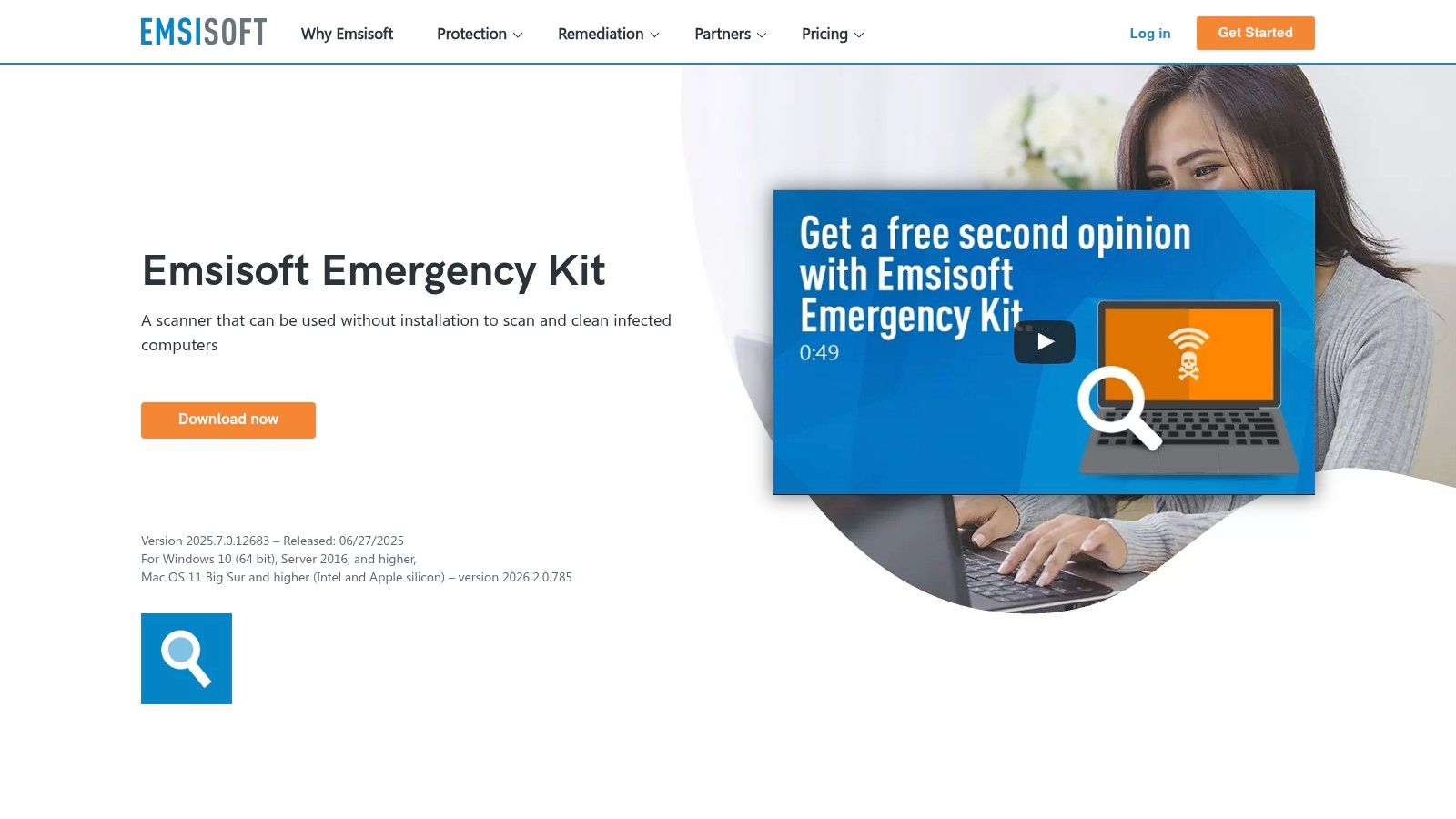
Its power lies in its simplicity and dual-engine scanner, which is exceptionally good at sniffing out Potentially Unwanted Programs (PUPs) and adware. You simply download the kit, extract it to a flash drive, and run the scanner on the infected computer. Because it’s a manual tool, it’s not a replacement for a proper Endpoint Protection Platform (EPP) like Bitdefender GravityZone. However, as a free, powerful, and portable solution, it has earned its spot as one of the best malware removal tools for incident response. It helps you get a system clean enough to deploy a real, long-term defense.
Key Details & Use Case
- Best For: IT technicians performing field remediation; getting a second opinion on a suspected infection; cleaning up heavily compromised systems that won't run other tools.
- Deployment: Fully portable. Just extract to a USB drive and run the executable. Perfect for on-site visits to client offices in Zionsville or Carmel.
- Pricing: The Emergency Kit scanner is completely free for personal and commercial use, which is remarkable for a tool this effective.
- Pros: Totally free and portable; dual-engine scanner is great at PUP and adware removal; no installation required.
- Cons: It's a manual, on-demand scanner, not an always-on protection solution; requires manual updates before each scan.
You can learn more and download the kit at their website: https://www.emsisoft.com/en/software/eek/
11. Norton Power Eraser
Think of Norton Power Eraser as the specialized heavy equipment you call in when standard tools fail. This isn't your daily driver antivirus; it's the digital equivalent of a battering ram for deeply embedded malware and rootkits. For an IT technician working on a stubbornly infected machine in a Franklin office, Power Eraser is a critical "last resort" tool. Because it's a portable executable, you don't need to install it, making it perfect for running from a USB drive on a compromised computer. This kind of direct intervention is sometimes necessary to stop an ongoing breach and prevent further data loss.
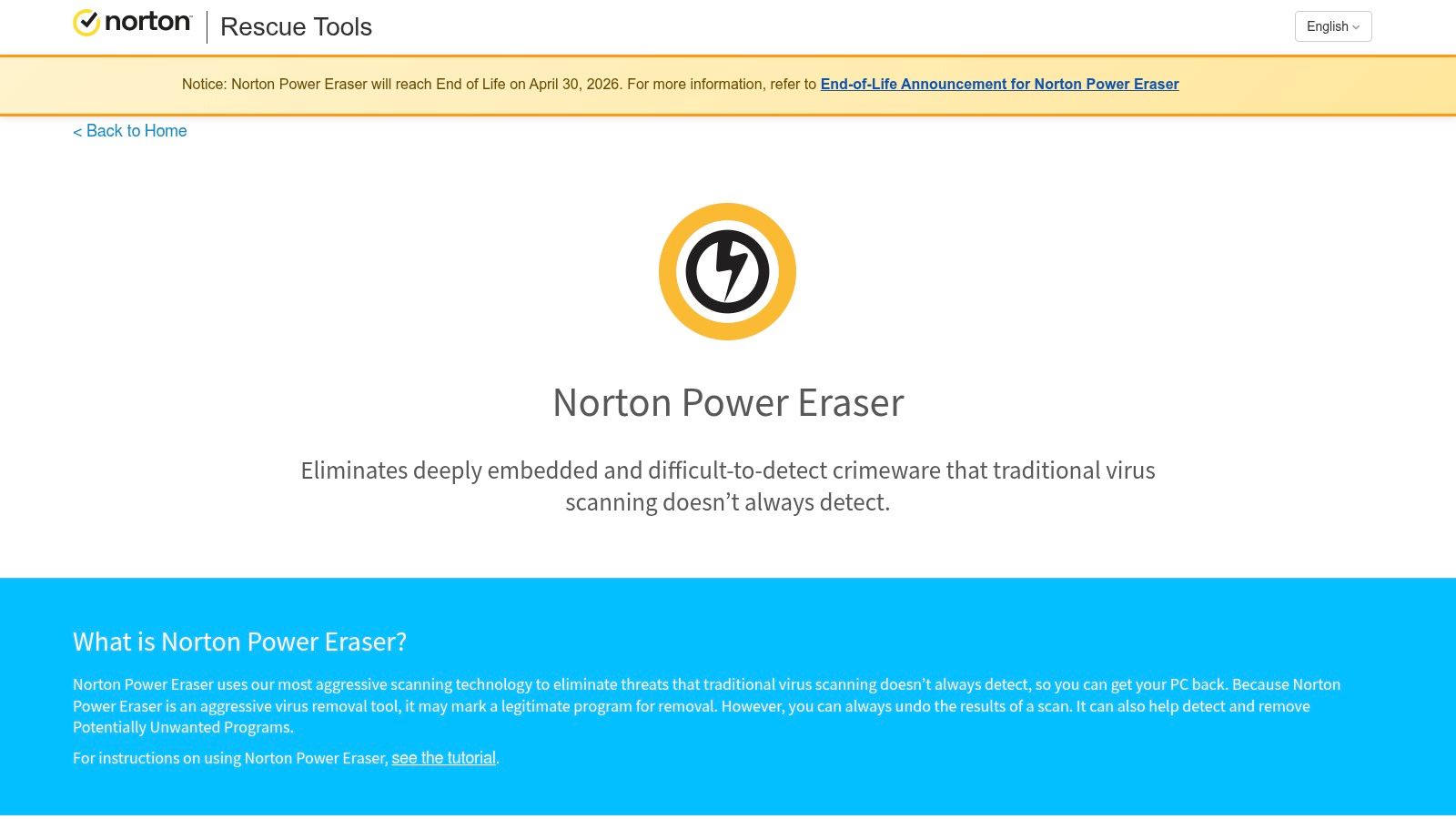
The power of this tool comes from its extremely aggressive scanning engine. It digs deeper than most conventional antivirus software, which is both its greatest strength and its primary risk. This aggression means it has a higher chance of producing "false positives." For this reason, we consider it a professional-grade tool. An experienced technician knows to carefully review every detection before hitting "remove," preventing the accidental deletion of a critical Windows file. In our 17 years of service, we've learned that a careful hand is essential here. It's one of the best malware removal tools for surgical strikes, not for broad, automated deployment.
Key Details & Use Case
- Best For: Experienced technicians needing a powerful, portable scanner for "scorched earth" removal of stubborn rootkits and malware when other tools have failed.
- Deployment: Standalone portable executable; no installation required. It can be run on-demand from any local or removable drive.
- Pricing: Completely free to download and use.
- Pros: Exceptional at removing deeply embedded threats; portable and fast, making it ideal for incident response.
- Cons: High potential for false positives; should only be used by professionals who can verify detections to avoid system damage.
You can learn more and download the tool at their website: https://support.norton.com/sp/static/external/tools/npe.html
12. Kaspersky Virus Removal Tool (KVRT)
Sometimes, malware is so aggressive it blocks your primary antivirus from running. That’s when you need a portable, single-use cleanup crew, and the Kaspersky Virus Removal Tool (KVRT) is one of the best. Think of it as a specialized tool in your IT emergency kit. You download a single executable file, run it on the infected machine, and let it perform a deep scan and disinfection. It requires no installation, making it a perfect second opinion if you suspect your main security software missed something. Getting a machine back online quickly is the first step in restoring productivity.
For a Greenwood business owner facing a locked-up computer, this tool can be a lifesaver. Because it’s a standalone scanner, it’s a critical part of the initial triage phase of an incident. It's not a replacement for a full-time antivirus but serves as a powerful on-demand weapon. Following a scan, it's a good time to create a formal incident response plan. While some organizations have policies against Kaspersky software—especially defense contractors who must meet CMMC standards—its technical effectiveness as one of the best malware removal tools for on-the-spot disinfection is difficult to dispute.
Key Details & Use Case
- Best For: A no-install, second-opinion scan on a potentially compromised machine or when an existing antivirus is blocked by malware.
- Deployment: Portable executable downloaded for one-time use. It’s a simple download-and-run process perfect for quick action.
- Pricing: Completely free to download and use for disinfection.
- Pros: Excellent detection and removal rates; no installation needed, making it highly portable and non-conflicting.
- Cons: Not real-time protection; due to geopolitical concerns, some U.S. businesses and government contractors are prohibited from using it.
You can learn more and download the utility from their support page: https://support.kaspersky.com/8527
Top 12 Malware Removal Tools Comparison
| Solution | Core features | UX & Protection (★) | Price / Value (💰) | Target & USP (👥 ✨ 🏆) |
|---|---|---|---|---|
| ThreatDown by Malwarebytes | Behavioral detection, ransomware rollback, automated remediation, cloud console | ★★★★☆ | 💰 Bundle/quote; SMB-friendly | 👥 SMBs & MSPs · ✨ fast cleanup & rollback · 🏆 strong removal heritage |
| Bitdefender GravityZone Premium | ML & behavior blocking, sandbox analyzer, encryption & patch add‑ons | ★★★★★ | 💰 Seat‑band pricing; strong protection ROI | 👥 SMB→Enterprise · ✨ sandbox + encryption · 🏆 test‑leading protection |
| Microsoft Defender for Business | EPP/EDR, automated investigation, M365 integration, TVM | ★★★★☆ | 💰 Cost‑effective when bundled with M355 | 👥 Microsoft‑centric orgs ≤300 · ✨ native M365 stack · 🏆 great bundle value |
| ESET PROTECT (Adv/Complete) | LiveSense behavioral, ransomware shield, cloud/on‑prem console | ★★★★☆ | 💰 Modular SMB tiers; transparent options | 👥 SMBs needing lightweight agents · ✨ low endpoint impact · 🏆 performance |
| Sophos Intercept X (Endpoint) | Deep‑learning ML, CryptoGuard rollback, root‑cause analysis, XDR/MDR options | ★★★★★ | 💰 Partner/quote pricing; add‑ons available | 👥 SMBs & enterprises · ✨ CryptoGuard + IR tools · 🏆 ransomware defense |
| Trend Micro Apex One | Behavior monitoring, web reputation, SaaS/on‑prem, Apex Central | ★★★★☆ | 💰 Partner/quote; flexible SaaS or on‑prem | 👥 SMBs needing broad control · ✨ single‑agent feature set · 🏆 enterprise reach |
| Webroot Business Endpoint | Tiny cloud agent, behavioral journaling/rollback, DNS add‑ons | ★★★★☆ | 💰 Low‑cost per seat; MSP‑friendly | 👥 SMB fleets & MSPs · ✨ very light agent, fast deploy · 🏆 low system impact |
| CrowdStrike Falcon (Prevent/Enterprise) | Behavioral AI prevention, real‑time response, threat intel, modular add‑ons | ★★★★★ | 💰 Public plans; costs grow with modules/retention | 👥 Mid→Enterprise · ✨ cloud‑native AI & intel · 🏆 top detection at scale |
| SentinelOne Singularity (Endpoint) | Autonomous AI prevention, ActiveEDR/storyline, rollback & quarantine | ★★★★★ | 💰 Quote‑based; scalable platform packages | 👥 Mid→Enterprise & partners · ✨ autonomous remediation · 🏆 automated rollback |
| Emsisoft Emergency Kit | Portable dual‑engine scanner, USB/CLI use, signature updates | ★★★☆☆ | 💰 Free | 👥 Field techs & IR · ✨ portable second‑opinion scanner · 🏆 excellent free cleanup tool |
| Norton Power Eraser | Aggressive on‑demand rootkit/malware cleaner, cloud reputation checks | ★★★☆☆ | 💰 Free | 👥 Experienced techs/IR · ✨ fast last‑resort removal · 🏆 strong rootkit cleanup |
| Kaspersky Virus Removal Tool (KVRT) | Portable disinfection, current signatures, rescue guidance | ★★★☆☆ | 💰 Free (note regulatory concerns) | 👥 IR & second‑opinion use · ✨ portable disinfection · 🏆 effective remover |
Final Thoughts
Whew, that was a marathon. If you’ve made it this far, you’ve just absorbed more information about the best malware removal tools than most people will in a lifetime. We've dissected everything from the powerhouse CrowdStrike Falcon to the surgical precision of Emsisoft's Emergency Kit, a tool we've used in the field to pull a Carmel-based accounting firm back from the brink. The key is that there’s no single "best" tool, just the best tool for your specific situation.
It's like choosing a vehicle. You wouldn't drive a sports car to a construction site in Noblesville, and you wouldn't use a dump truck for a downtown Indy delivery. A small business may just need a reliable, set-it-and-forget-it solution like Microsoft Defender for Business, while a growing Johnson County manufacturer handling CMMC-related data needs the advanced threat hunting capabilities of a platform like SentinelOne. Your choice hinges on your budget, your team's technical skill, and your risk tolerance.
Recapping the Malware Battlefield
Let’s boil this down to the essentials. What did we learn?
- Detection vs. Removal: Some tools are brilliant forensic detectives, sniffing out threats with uncanny accuracy (like CrowdStrike). Others are the digital equivalent of a hazmat team, specializing in scrubbing an already-infected system clean (like Norton Power Eraser). Know which job you need done.
- Proactive vs. Reactive: The most expensive malware removal tool is the one you use after you've already been hit. Proactive, preventative tools like Bitdefender GravityZone or Sophos Intercept X are your front line. Reactive tools are the emergency responders. Your strategy needs both.
- Business Impact is Paramount: A tool isn't just about catching viruses. It's about ensuring business continuity. Every minute your network is down is a minute you're not billing, not serving customers, and potentially losing thousands. The right tool keeps your employees productive, turning tech from a liability into a predictable, managed expense. We've seen firsthand how a simple ransomware attack on an unprotected server can cripple a Greenwood business for weeks.
Choosing Your Champion
So, how do you pick? Start by answering these questions honestly:
- What's My "Oh No" Scenario? Are you more worried about a phishing email or a sophisticated fileless attack bypassing your firewall? Your biggest fear dictates your must-have features.
- Who's Driving? Do you have an in-house IT pro who can manage a complex dashboard like ESET PROTECT? Or do you need something that requires minimal intervention? Be realistic about your team's bandwidth.
- What's at Stake? If you're a healthcare provider in the Indianapolis area, HIPAA compliance is non-negotiable. Your tool must meet those strict standards. If you're a defense contractor along the I-65 corridor, CMMC compliance is your guide. The value of your data defines the level of your investment.
Ultimately, selecting one of the best malware removal tools is a critical first step, but it's only one piece of the security puzzle. It needs to be deployed correctly, monitored constantly, and integrated into a broader strategy that includes firewalls, employee training, and immutable off-site backups. Think of it as installing a high-tech alarm system. It’s fantastic, but it works best when you also remember to lock the doors and windows. Your business's resilience depends on it.
Feeling overwhelmed by the options or worried about what might already be lurking on your network? The team at Finchum Fixes IT has spent over 17 years performing this exact kind of digital cleanup for businesses across Central Indiana. Schedule a free, no-obligation Security Risk Audit today, and let us show you how to protect your Greenwood/Indianapolis area business for good.