Business Continuity Planning Services for Indiana SMBs
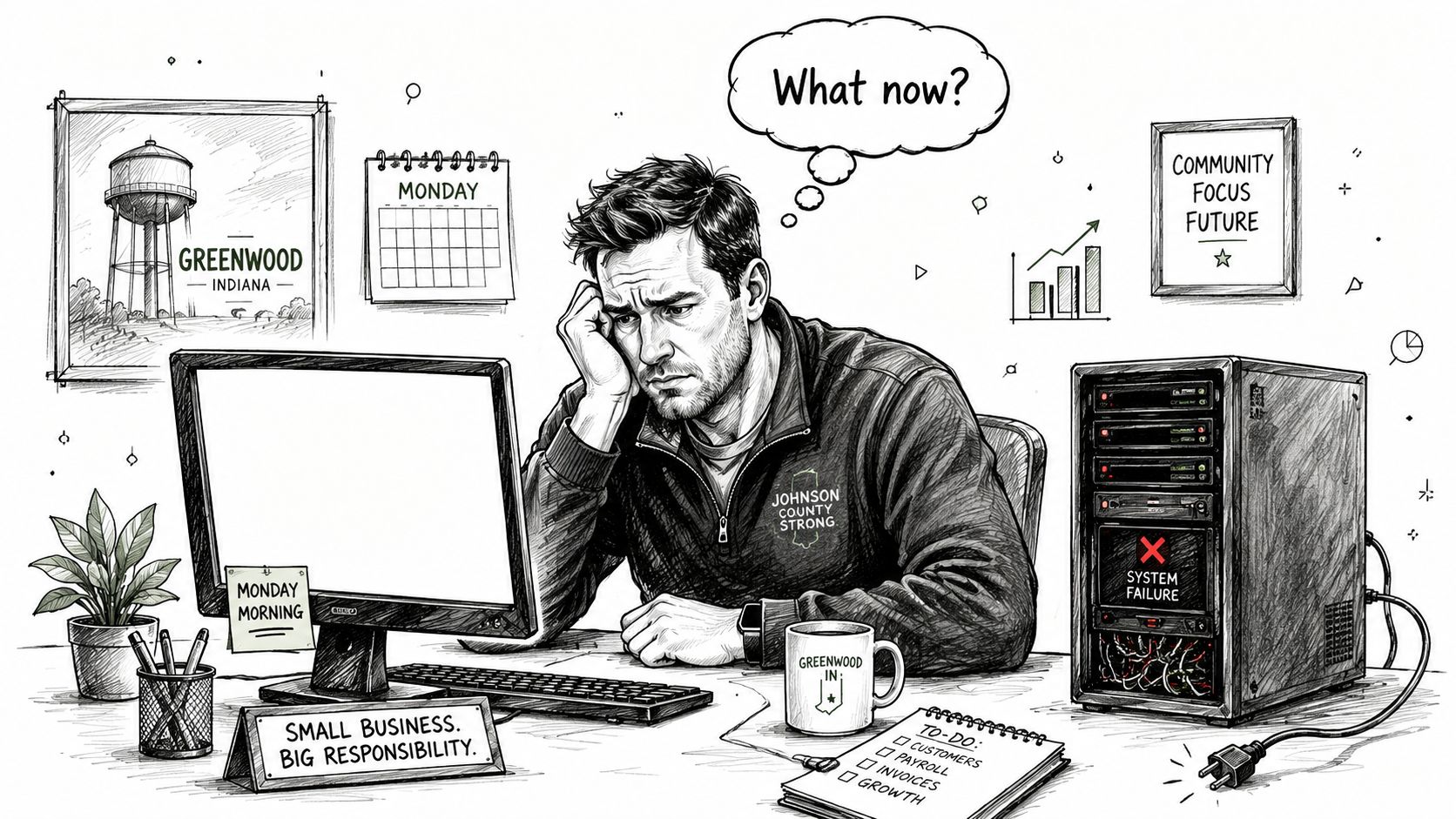
Monday starts fine. Coffee's still hot, your team is filing in, and then the office goes sideways because the server in the back closet won't boot. Accounting can't open the line-of-business app. Sales can't reach shared files. The front desk starts writing things down on sticky notes because the printer queue is frozen and nobody knows what still works.
That's not an IT inconvenience. It's a business stoppage.
For Indiana small and midsize companies, especially around Greenwood, Franklin, Whiteland, and the wider I-65 corridor, this usually doesn't start with some movie-style disaster. It starts with ordinary stuff. Aging server hardware in a business park. A failed RAID set. Spotty Wi-Fi in an old brick building. A ransomware lockout that takes out file shares and identity systems at the same time.
A lot of owners think they have a plan because they have backups. They don't. A backup is one piece of recovery. A continuity plan is the thing that tells everyone what to do next, in what order, on what systems, with what vendors, and how the business keeps moving while the fix is happening.
The Bottom Line on Business Continuity
TL;DR
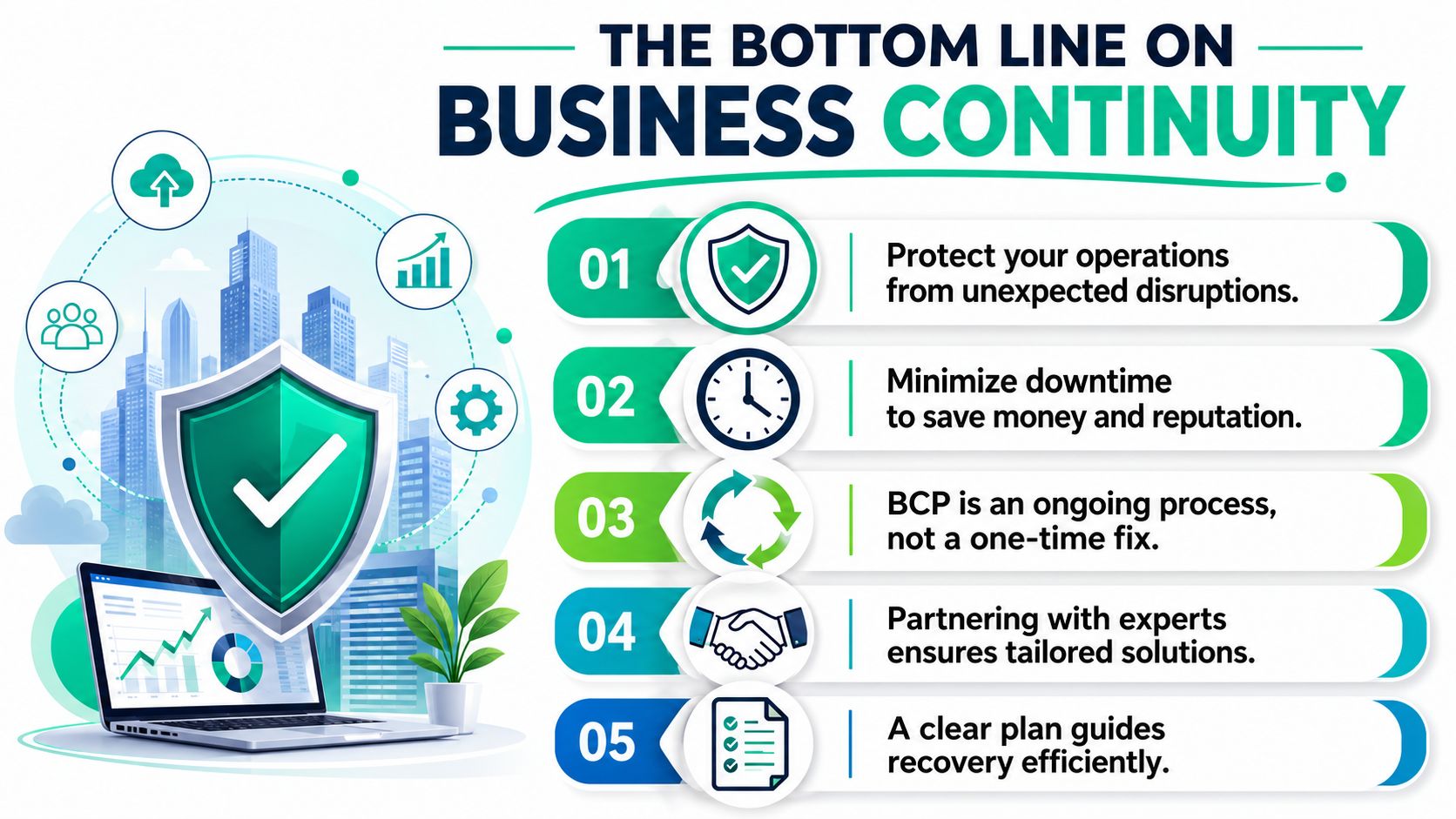
- Business continuity planning services go beyond backups. They document how your business responds, recovers, resumes, and restores operations when systems fail.
- ROI comes from less downtime and less chaos. You trade surprise repair bills and wasted staff hours for a clearer monthly operating cost.
- The key terms matter: RTO is how fast you need a function back. RPO is how much data loss you can tolerate. Those targets drive backup, failover, and staffing decisions.
- Affordable beats oversized. Most Indiana SMBs need tested procedures, immutable off-site backups, vendor mapping, and clear communications, not a giant enterprise binder.
- Local fit matters. A provider should understand HIPAA, CMMC, NIST CSF, and what on-site support looks like in Greenwood and Indianapolis.
If you want the cleanest way to separate backup from real resilience, this guide on business continuity vs disaster recovery is worth a read.
Your Server Just Died in Greenwood What Now
A Greenwood owner usually doesn't call for "business continuity planning services." They call because the server is dead, nobody can work, and payroll is due.
The first bad move is panic buying. Someone rushes to replace hardware before they know whether the actual choke point is storage, virtualization, line-of-business software, identity, or internet failover. The second bad move is assuming last night's backup solves everything. If nobody has tested the restore, documented dependencies, or assigned decision authority, the clock keeps running while people guess.
What the outage really costs
One continuity source reports that smaller businesses lose an average of $427 per minute during an interruption, and cites U.S. Small Business Administration data that over 90% of businesses fail within two years of a disaster. The same source frames those numbers as a real operating risk, not theory, for companies trying to keep doors open during a serious disruption. You can review that data in these business continuity statistics.
That number doesn't even capture the full mess. Staff still gets paid while they wait. Customers still expect answers. Orders stack up. If you're in healthcare, legal, logistics, manufacturing, or professional services, the outage hits revenue and trust at the same time.
What actually helps in the first hour
When a similar failure hits, the first hour should look like this:
- Name one decision-maker: Someone has to activate the plan and stop the room from becoming a committee.
- Confirm the blast radius: Is it one host, the storage pool, Microsoft 365 access, UniFi switching, or a bad upstream connection?
- Protect recoverable data: Before repeated boot attempts or bad rebuilds make things worse, preserve what can still be preserved.
- Move critical work first: Not every system deserves equal urgency. Payroll, scheduling, phones, EHR access, or order entry usually come before everything else.
A backup you can't restore quickly is just a receipt for storage spending.
Sometimes continuity starts with recovery surgery, not policy. If the problem is physical media, firmware damage, or a collapsed RAID, professional data recovery services may be the bridge between a bad morning and a total loss.
What Are Business Continuity Planning Services Really
Most owners hear the phrase and picture a thick binder nobody opens. That's why the term gets ignored until a real outage lands.
A better way to say it is this. Business continuity planning services create documented procedures for how the business keeps operating through disruption. Not just how files get restored. How people communicate, which systems come back first, which vendors matter, who can authorize failover, and what "good enough to operate" means for each department.
More than a backup job
A backup alone is like keeping a spare tire in the trunk without a jack or lug wrench. The asset is there, but you still can't get back on the road.
That's where standards matter. ISO 22301 formalized continuity as documented procedures that help organizations respond, recover, resume, and restore operations to a predefined level after disruption. A preparedness study also reported that 94% of organizations had documented business continuity plans, up from 93% in a 2014 study, which tells you continuity planning is now close to standard management practice in many organizations, not a niche IT side task. That milestone is summarized in this preparedness study on documented business continuity plans.
What a practical service includes
A usable continuity service usually covers four things:
- Business operations: Which functions make money, serve customers, or satisfy legal obligations.
- People and roles: Who declares an incident, who contacts staff, who talks to clients, who works with vendors.
- Technology dependencies: Servers, cloud apps, firewalls, backup platforms, identity providers, VoIP, and internet access.
- Testing and upkeep: Because a stale plan is almost as bad as no plan.
A lot of SMBs already have pieces of this scattered across tribal knowledge, old checklists, and someone's memory. The job is to turn that into repeatable process. If you need a simple companion resource for defining standard operational procedures, that framework helps clarify who does what when the pressure is on.
Field note: The best continuity plan is the one your office manager, ops lead, and IT person can all follow at 8:15 on a bad Monday.
The Technical Nuts and Bolts of a Resilient Business
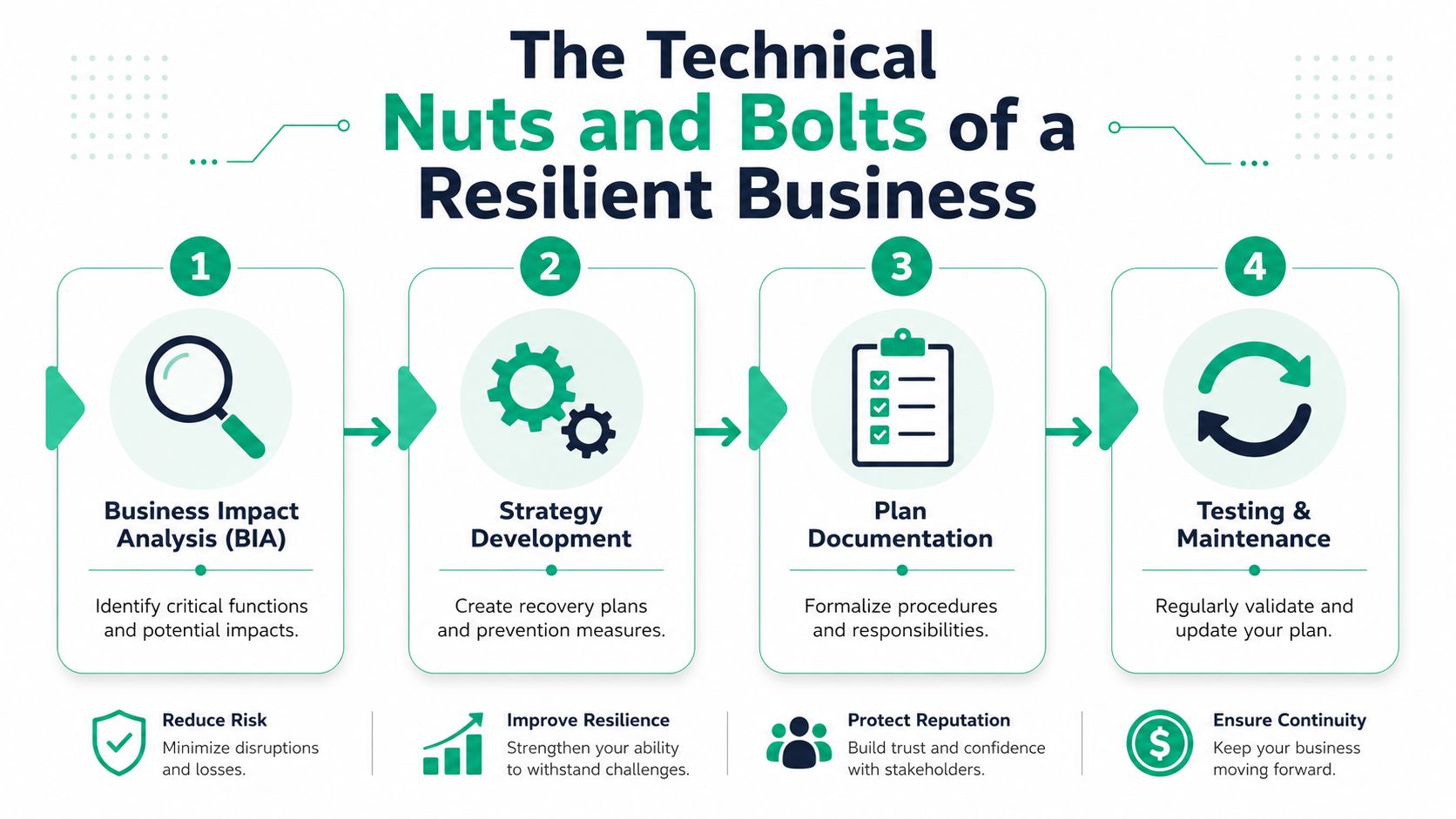
The technical work starts with a blunt question. What has to come back first for the business to keep earning, serving, or staying compliant?
That's the Business Impact Analysis, or BIA. It maps each critical function to the systems, staff, vendors, and infrastructure that support it. A solid BCP also defines RTO and RPO for each function. In plain English, RTO asks how long you can wait before that function must be restored, and RPO asks how much data loss you can live with. TierPoint's continuity guidance is useful here because it ties BIA, RTO, and RPO directly to identifying single points of failure before they take down the whole operation. See their breakdown of business continuity planning with BIA, RTO, and RPO.
Start with business functions, not servers
Weaker providers get it backward. They inventory hardware, then declare priorities based on the loudest system owner.
A resilient plan starts with the business function. For example:
- Scheduling and intake: Often depends on internet connectivity, endpoint health, cloud identity, and one browser-based app.
- Accounting: May depend on a local database server, VPN access, printer workflow, and secure document storage.
- Production or dispatch: Can hinge on Wi-Fi coverage, tablets, barcode devices, switches, and one vendor portal.
When you map it that way, single points of failure show up fast. One neglected switch. One old hypervisor host. One cloud admin account with no break-glass access. One flaky ISP in a building with poor carrier diversity.
The tools that support the plan
Once priorities are set, the technology gets matched to those targets.
A practical stack may include:
- Immutable off-site backups: So ransomware can't encrypt the backup chain you planned to restore from.
- Clean recovery environments: Restore into known-good systems, not back into the same compromised state.
- UniFi networking with segmented VLANs: Useful for stable Wi-Fi, guest isolation, and making it easier to contain problems without flattening the entire office.
- Zero Trust architecture: Strong identity controls, least privilege, MFA, and policy-based access reduce the odds that one stolen credential becomes a company-wide outage.
- SOC-as-a-Service monitoring: Faster visibility when suspicious behavior starts moving across endpoints, email, and cloud apps.
- Bitdefender GravityZone or a similar endpoint stack: Helpful when continuity and security need to work together instead of fighting each other.
This short video gives a visual overview of how the moving parts fit together.
Automation helps, but only if the sequence is right
Automation can shorten recovery. It can also automate the wrong move if nobody defined dependencies correctly.
That's why mature plans assign an incident commander and activation chain. The minute a disruption hits, someone should be authorized to trigger communications, failover steps, vendor escalation, and restore workflows without waiting for a hallway debate. For cloud-heavy teams, this crossover between operations discipline and reliability engineering is why resources on ITSM and SRE for SaaS teams can be surprisingly useful outside pure software shops.
If you're reviewing backup options for these recovery targets, this roundup of cloud backup solutions for small business gives a practical starting point.
Benefits Beyond Downtime Prevention
A continuity plan isn't just there to rescue a terrible day. It changes how the business buys technology and manages risk the rest of the year.
Reactive shops spend money in bursts. Emergency hardware. Rush labor. Last-minute software changes. Staff standing around while ownership tries to decide what matters most. Planned shops don't eliminate every incident, but they turn a lot of surprise spending into an operating model that's easier to budget.
Better ROI usually looks boring
That's a good thing.
The return comes from fewer ugly surprises and cleaner decisions:
- Fewer emergency purchases: You're not ordering replacement gear blind during a live outage.
- Less wasted labor: Staff knows the fallback process. Your billable people keep moving instead of waiting on one dead dependency.
- More predictable monthly costs: Managed backups, monitoring, security controls, and testing beat random break-fix invoices.
- Cleaner vendor management: You know which ISP, SaaS vendor, MSP, or hardware supplier has to answer first when things break.
Most SMBs don't need a giant enterprise continuity program. They need a realistic one that matches how they actually work.
Compliance gets easier when continuity is documented
This matters all over Central Indiana.
A medical office has to think about HIPAA, patient access, documentation, and secure recovery procedures. A defense-related manufacturer or subcontractor has to think about CMMC, controlled access, and evidence that systems and operations can be recovered in a disciplined way. Many other businesses use NIST CSF as the plain-language framework for identifying, protecting, detecting, responding, and recovering.
Continuity planning supports all of that because auditors and clients don't want to hear, "We had backups somewhere." They want to know who was responsible, what was tested, and how the business maintained operations.
The threat list is wider now
Continuity planning has moved to an all-hazards approach. That means businesses should assess cyber incidents, infrastructure failures, infectious disease impacts, supply-chain issues, and financial stress, not just storms or fire. It also means the BIA should consider legal exposure, contractual penalties, customer dissatisfaction, and budget pressure. Protiviti's discussion of an all-hazards approach to business continuity planning captures that shift well.
In practical terms, a Johnson County business doesn't need to boil the ocean. It needs a plan that recognizes modern risk. Cybersecurity, staffing, connectivity, and vendor continuity all belong in the same conversation.
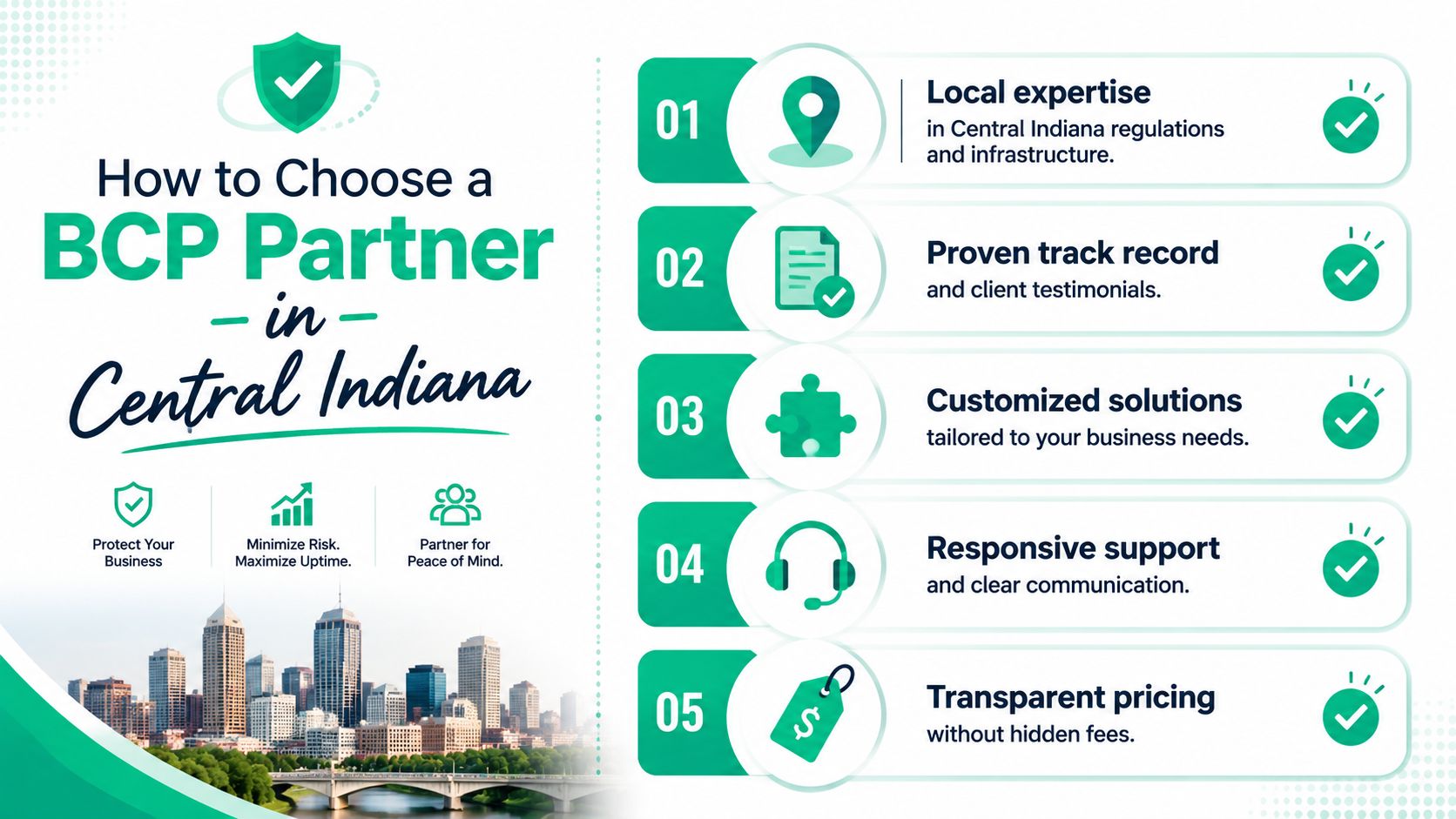
How to Choose a BCP Partner in Central Indiana
A polished sales deck doesn't tell you much about how a provider behaves during an ugly outage. The better test is whether they can explain the mechanics without hiding behind buzzwords.
Around Greenwood, downtown Indy, and the broader south side, local context matters. Old buildings have Wi-Fi and wiring quirks. Some business parks have limited carrier options. Some offices still run one aging host far past retirement because "it's been fine so far." A provider who understands that environment will build differently than one selling a canned enterprise package.
Questions worth asking in the first meeting
Ask these directly:
- How do you map third-party dependencies? If they only talk about your internal servers and ignore cloud apps, telecom, ISP circuits, copier workflows, payroll platforms, and critical vendors, that's a miss.
- Who declares an incident and starts recovery? There should be an activation chain, not vague language about "the team will evaluate."
- How do you test restores and failover? Backups without restore testing don't count for much.
- Can you support compliance needs? HIPAA, CMMC, and NIST CSF shouldn't sound unfamiliar.
- What local support looks like? Remote help is useful. On-site response still matters when a switch stack fails, a firewall dies, or a storage chassis needs hands on it.
One often-missed issue is vendor dependency. Continuity guidance regularly covers BIA, communications, and testing, but many plans fall apart when a cloud provider, outside MSP, or key supplier becomes the bottleneck. EisnerAmper highlights that problem well in its guidance on third-party dependencies in business continuity services.
Watch for these red flags
Some providers oversell complexity because complex sounds expensive and impressive. For many Indiana SMBs, that's the wrong fit.
Watch for:
- A giant binder with no operating rhythm: If nobody owns monthly checks, restore tests, and vendor reviews, the document will rot.
- One-size-fits-all architecture: A small law office doesn't need the same continuity stack as a multi-site clinic.
- No security depth: Continuity without cybersecurity is incomplete. Ransomware doesn't care how nice the recovery spreadsheet looks.
- No local familiarity: If they can't talk intelligently about Greenwood response logistics, old-building Wi-Fi behavior, or practical connectivity redundancy in the Indy metro, they may be building from a template.
Selection rule: Ask the provider to explain your likely failure points in plain English. If they can't, they probably haven't done this enough.
If you want a broader buyer's checklist, this guide on how to choose a managed service provider pairs well with continuity-specific vetting.
What BCP Service Packages Actually Look Like
Most Indiana SMBs don't need a monster program with endless workshops and shelfware. They need a package that matches their risk, staffing, and compliance load.
The easiest way to think about business continuity planning services is by layers. A small office may just need backup discipline, restore testing, endpoint protection, and a simple communications plan. A healthcare practice or multi-site operation may need failover, deeper monitoring, stricter access controls, and formal reporting.
Sample Business Continuity Packages
| Feature | Resilience Starter (e.g., Small Professional Office) | Comprehensive Continuity (e.g., Healthcare Practice) |
|---|---|---|
| Core focus | Keep critical files, identity, and communications recoverable | Keep clinical or operational functions available with minimal interruption |
| Backup design | Managed cloud backups with immutable off-site copies | Multi-layer backup plus standby recovery environment |
| Security stack | MFA, endpoint protection such as Bitdefender GravityZone, basic security hardening | Advanced endpoint controls, tighter access policy, continuous monitoring, stronger audit trail |
| Recovery planning | Basic incident runbook, owner contacts, vendor contacts, restore checklist | Formal business impact analysis, role assignments, communications tree, documented escalation path |
| Networking | Stable firewall and switch config, reliable Wi-Fi, segmented guest access | Resilient edge design, segmented clinical or admin traffic, stronger wireless coverage planning |
| Testing cadence | Scheduled restore validation and tabletop review | Regular restore validation, workflow testing, and more formal recovery exercises |
| Compliance support | Useful for firms with lighter contractual needs | Better fit for HIPAA-heavy environments and organizations with stricter documentation expectations |
| Best fit | Law firms, accounting offices, local service companies | Healthcare groups, multi-location operations, firms with heavier security and uptime demands |
What drives cost
The biggest pricing drivers aren't mystery. They're scope, recovery speed, compliance requirements, and the number of dependencies that must be documented and tested.
A small office often gets strong value from sensible backup architecture, clean documentation, and a few well-tested fallback procedures. A larger practice may need near-continuous monitoring, cleaner failover options, and tighter evidence for audits. That's why it helps to start with a business impact analysis template instead of shopping by buzzword.
The wrong package is usually obvious. Too small, and recovery falls apart under pressure. Too big, and you're paying for enterprise theater you won't maintain.
Secure Your Indiana Business Future Today
If your current plan is "call somebody when something breaks," that's not a continuity strategy. It's a gamble.
For businesses in Greenwood, Indianapolis, and across Central Indiana, the goal isn't a perfect document. It's a practical system that keeps your people working, protects revenue, and shortens the distance between disruption and normal operations. Good business continuity planning services do that by combining realistic recovery targets, tested procedures, solid security, and local support that understands how Indiana businesses run.
A dead server, a ransomware event, or a vendor outage shouldn't decide the future of your company. Your preparation should.
If you're in Greenwood or the Indianapolis area and want a grounded second opinion on your current setup, Finchum Fixes IT offers a professional next step. Ask for a Free Network Assessment or a Security Risk Audit and get a practical read on your backup posture, recovery gaps, wireless reliability, vendor dependencies, and continuity risks before the next outage forces the conversation.