Best Identity and Access Management Tools: Top 10
A Greenwood office manager terminates an employee at 4:45 p.m. If access is still active in Microsoft 365, QuickBooks Online, the VPN, and the plant Wi-Fi by 4:46, the problem is not HR paperwork. It is identity control.
TL;DR
- If you can't disable a departing employee's access in under a minute, your access control is too loose.
- IAM is the system for sign-in, permissions, admin roles, audit trails, and user lifecycle tasks like onboarding and offboarding. Features like SSO, MFA, and SCIM cut manual work and close gaps that usually show up during an incident or an audit.
- We see the biggest wins for Indiana SMBs in three places: fewer password resets, faster employee changes, and clearer proof that access is controlled for HIPAA, CMMC, and internal policy reviews.
- The right platform protects uptime. If one person gets locked out of email, ERP, or file access, work stops. Good IAM reduces those interruptions and gives your team one place to fix them.
- Strong fits depend on your stack. Microsoft Entra ID usually makes sense for Microsoft-heavy shops, Okta is a strong option for broad SaaS integration, Duo is often the fastest way to tighten MFA, and JumpCloud stands out when you want identity and device management in the same tool.
We keep seeing the same pattern across Greenwood, Franklin, Columbus, and the rest of the I-65 corridor. A company grows from 10 users to 50, adds remote access, adopts a few cloud apps, and maybe picks up healthcare data or defense work that raises the compliance bar. Access gets built one app at a time. A year later, nobody can say with confidence who still has access to what.
That costs money fast.
A locked-out controller delays invoicing. A former employee with an active account creates risk you cannot explain away in a HIPAA review or a CMMC assessment. An internal IT generalist ends up resetting passwords and chasing permissions instead of handling projects that improve the business.
Good IAM makes this boring in the best way. Hire someone, they get the right apps. Move them to a new role, permissions change cleanly. Terminate access, it is done everywhere that matters. If your team still thinks in terms of old on-prem user management, this guide to Active Directory management for Indy SMBs helps connect that model to what modern cloud identity should look like.
If you run a gym or wellness facility with shared staff logins and front-desk access issues, this guide on modern gym access solutions covers a related piece of the physical side.
1. Microsoft Entra ID (formerly Azure Active Directory)
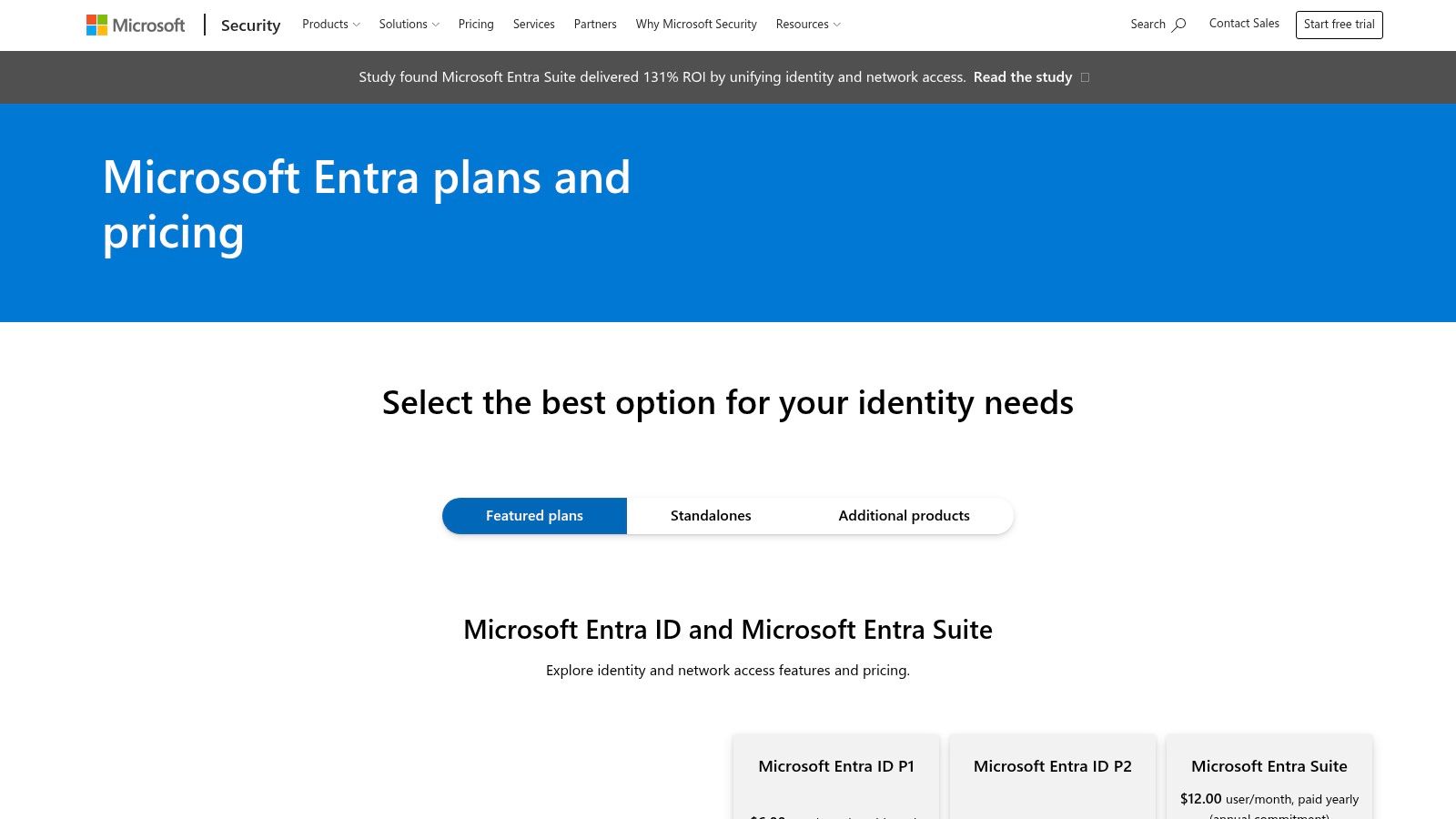
If your business runs on Microsoft 365, Entra ID is the obvious first look. It fits the way most Indiana SMBs already work. Outlook, Teams, SharePoint, Windows devices, and Azure all speak the same language here, so you spend less time forcing mismatched systems to cooperate.
The biggest win is reduced friction. SSO, MFA, Conditional Access, RBAC, and dynamic groups all live close to the rest of the Microsoft stack. That matters when your internal IT person also handles printers, line-of-business apps, and the CEO's iPhone.
Where Entra ID works best
Entra ID is strongest in Microsoft-centric shops that want one control plane for workforce identity. If you're already cleaning up permissions and security groups, this guide to Active Directory management for Indy SMBs helps connect the old directory mindset to the cloud one.
A few practical notes:
- Best fit: Microsoft 365-heavy environments, especially with Windows laptops and hybrid work.
- What it does well: Conditional Access policies, MFA enforcement, role-based control, and straightforward tie-in with Microsoft services.
- Where teams get tripped up: Advanced pieces like Governance, P2 licensing, and Zero Trust network access features can raise both cost and admin overhead.
Practical rule: If most of your users live in Outlook, Teams, and SharePoint all day, don't overcomplicate identity. Start with the platform that's already closest to your business workflow.
Microsoft's own explanation of IAM highlights identity management, access management, MFA, passwordless authentication, and SSO as key building blocks of modern access control, which lines up with how Entra is positioned for cloud-first organizations (Microsoft IAM overview). For Johnson County businesses, that usually means fewer separate consoles and fewer policy gaps.
You can review platform details on the Microsoft Entra pricing page.
2. Okta Workforce Identity Cloud
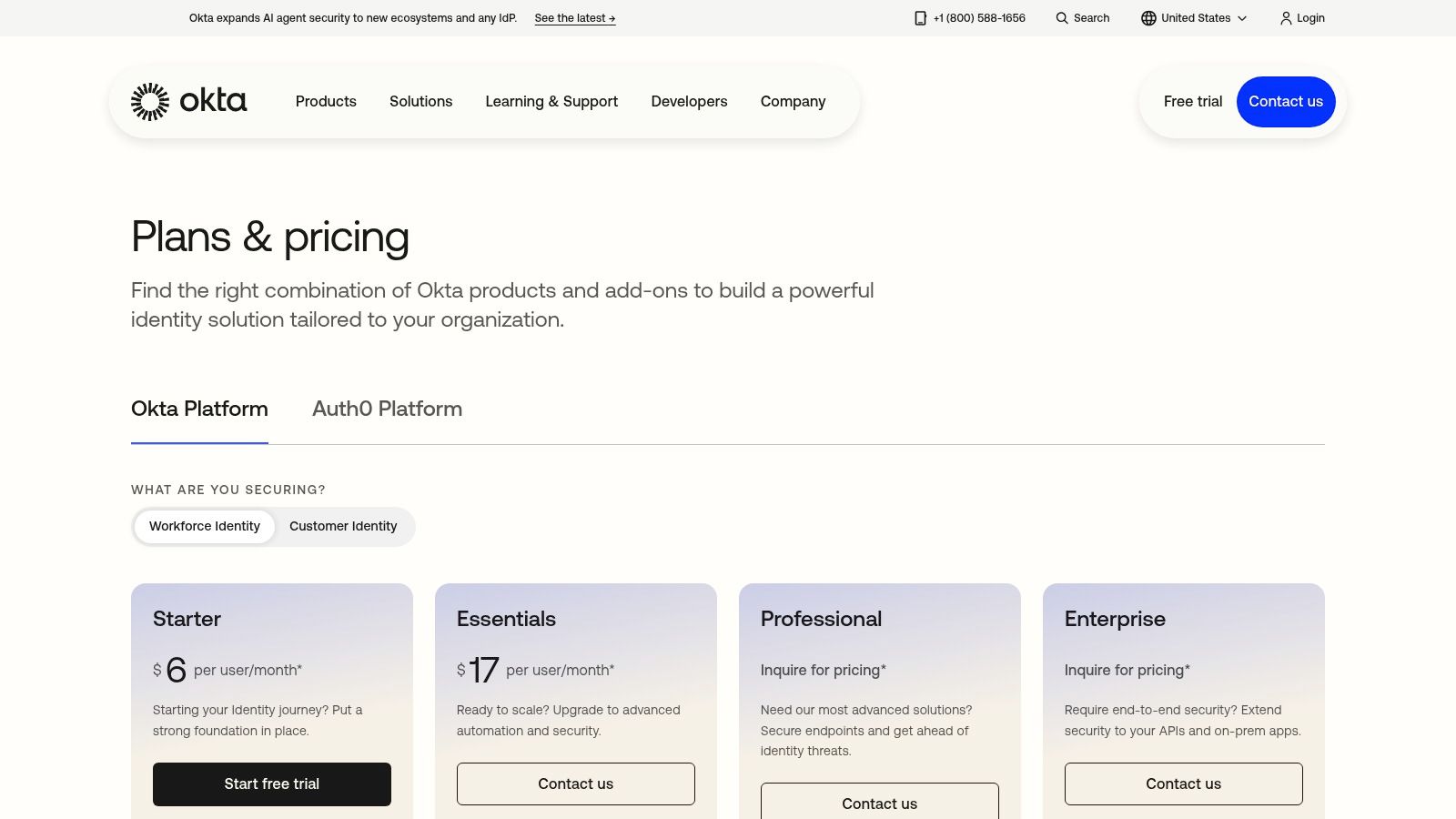
Okta makes sense when your environment is mixed. Google Workspace in one department, Microsoft 365 in another, Salesforce for sales, a payroll app nobody loves, and a niche manufacturing portal that only runs because someone set it up five years ago. Okta is good at sitting in the middle of that mess and making it usable.
It stays popular for a reason. In enterprise adoption rankings for identity providers, Okta and Auth0 each show 74% enterprise adoption, with Okta described as the most-used vendor in the category. That doesn't automatically make it your best fit, but it does tell you the ecosystem is mature and support resources are easier to find.
Where Okta earns its keep
Okta's strengths are breadth and neutrality. It gives you SSO, Adaptive MFA, lifecycle management, directory capabilities, and optional governance layers without forcing a Microsoft-first or Google-first worldview.
A few trade-offs matter in practice:
- Strong point: Broad app integration and good admin tooling.
- Good growth path: You can start with core access and add lifecycle or governance later.
- Watch-out: Costs can creep up once you add premium modules, and deep device control usually means pairing it with another tool.
For teams moving toward passkeys or biometric-friendly login, this local guide on passwords and biometrics for Central Indiana businesses is worth reading before you standardize policies.
Okta's own materials note that most IAM conversations focus on SSO and MFA, but that still leaves operational burden on the table. That's exactly where many SMBs struggle. The best identity and access management tools aren't always the ones with the most features. They're often the ones your generalist IT staff can keep running cleanly over time (Okta IAM overview).
You can review plans on the Okta pricing page.
3. Cisco Duo
Duo is the tool I bring up when a business says, "We need something now." Not next quarter. Not after an architecture committee. Now.
Duo is MFA-first, and that's why it lands so well with SMBs. It gives you phishing-resistant MFA, passwordless options, device trust checks, SSO, and remote access controls without demanding a giant identity project before you get value.
Fast security wins
When a company has weak remote access, shared passwords, or VPN logins that haven't been revisited in years, Duo can tighten things up quickly. That's especially useful for healthcare clinics working toward HIPAA safeguards or smaller manufacturers trying to show better access discipline under CMMC expectations.
Most small teams don't need a giant identity overhaul on day one. They need to stop bad logins, enforce MFA, and see which devices are being trusted.
Duo also maps well to local IT realities. A lot of Southside companies still have a mix of on-prem servers, cloud apps, and remote staff using personal phones. Duo handles that middle ground better than many heavyweight platforms.
Keep in mind:
- What works: Fast rollout, clear user experience, strong MFA posture.
- What doesn't: It isn't your deepest option for governance or full lifecycle automation.
- Best fit: Businesses that need to cut identity risk without building an IAM department.
If you're still sorting out the basics, this plain-English breakdown of two-factor authentication for business helps frame why Duo often becomes the first meaningful upgrade.
You can see current editions on the Cisco Duo pricing page.
4. JumpCloud Open Directory Platform
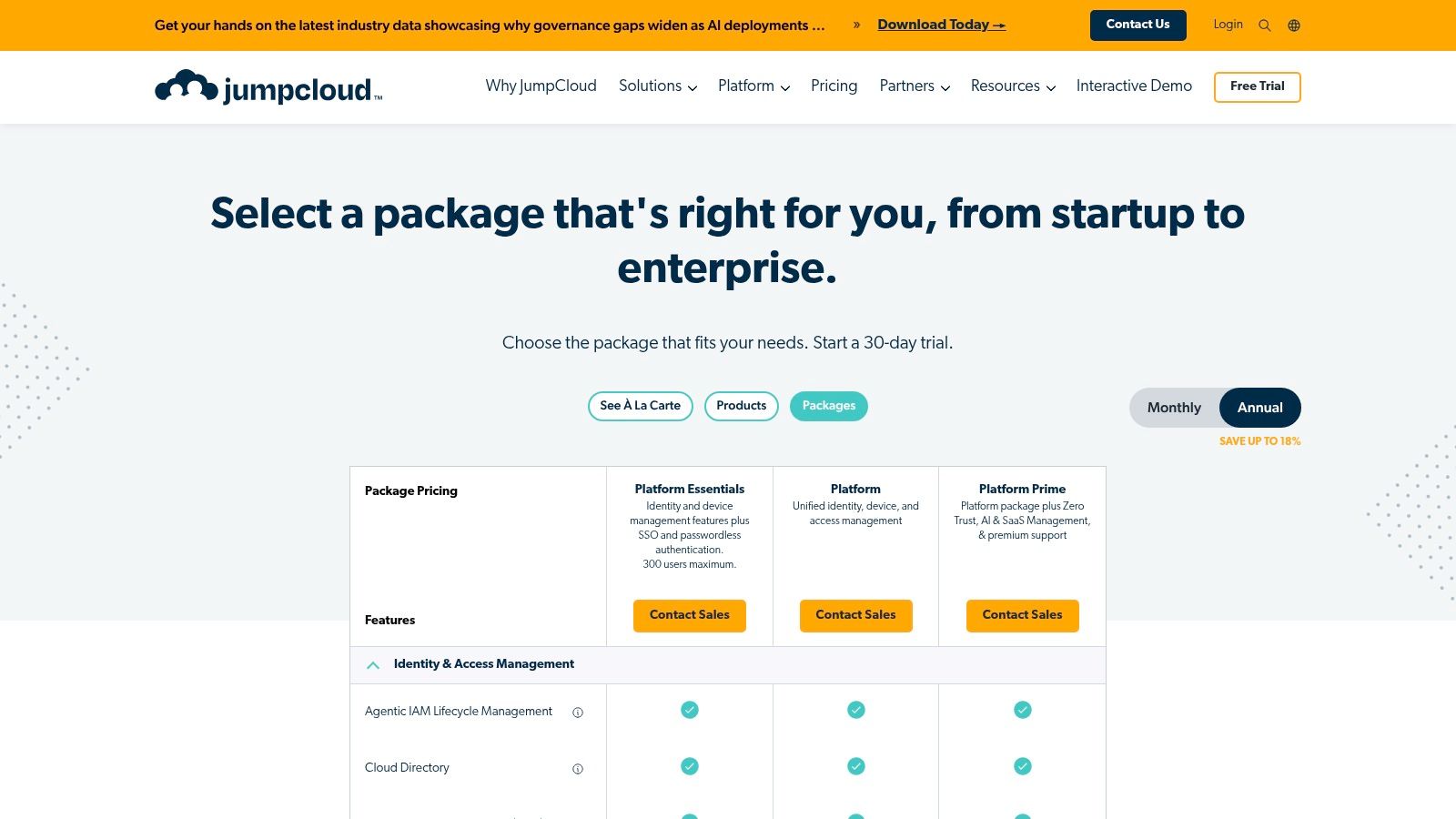
JumpCloud is for the shop that doesn't want six admin consoles if one will do. That's the pitch, and for a lot of lean IT teams, it's a good one.
It combines cloud directory services, SSO, MFA, conditional access, device management, patching, Cloud LDAP, and RADIUS support. That last part matters more than vendors admit. If you've got Wi-Fi authentication, VPN access, mixed Windows and Mac devices, and a small team trying to hold it all together, having identity and device management under one roof can save a lot of wasted motion.
Why small IT teams like it
JumpCloud feels practical for MSP-style management and for Indiana businesses without a full-time IAM specialist. A lot of Greenwood and Franklin offices don't need the deepest specialist product in every category. They need one platform that handles enough of the stack cleanly.
That makes JumpCloud a strong candidate for:
- Mixed-device fleets: Windows, macOS, and Linux under one policy umbrella.
- Directory replacement projects: Especially when on-prem directory infrastructure is aging out.
- Wi-Fi and VPN control: Thanks to Cloud LDAP and RADIUS support.
The compromise is depth. Best-of-breed tools still beat JumpCloud in some specialist corners. A dedicated IGA platform will govern better. A dedicated MDM may go deeper on endpoint nuance. But if your real problem is admin sprawl, JumpCloud can be the saner answer.
For companies still cleaning up the human side of access, these password management best practices pair well with JumpCloud's consolidation approach.
You can review options on the JumpCloud pricing page.
5. OneLogin by One Identity
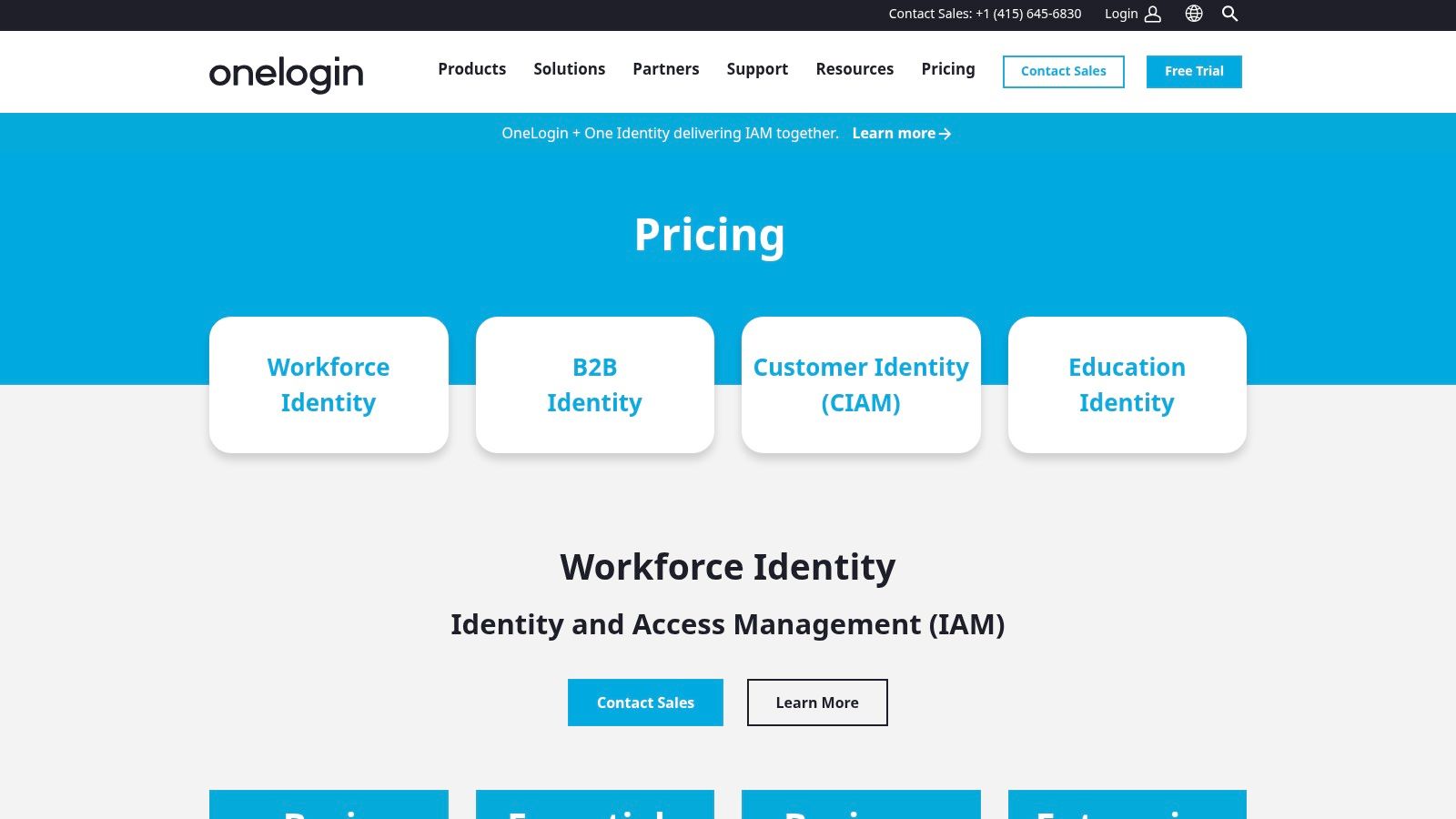
OneLogin doesn't get the same dinner-table recognition as Microsoft or Okta, but that's not a bad thing. Sometimes a quieter platform is exactly right for an SMB that wants solid SSO, MFA, and provisioning without buying a huge brand ecosystem.
Its feature set is familiar in the best way. SAML and OIDC SSO, MFA, lifecycle management, directory functions, HR-driven identity workflows, and risk-based SmartFactor authentication cover most day-to-day business needs.
Good value without a giant project
OneLogin is a fit when the goal is order, not identity theater. If your office has grown into a stack of payroll tools, CRM systems, file-sharing platforms, and line-of-business SaaS, OneLogin can bring those logins into one place and automate a lot of onboarding and offboarding work.
What I like here is packaging clarity. Teams can usually tell what they're buying. That's not a small thing in IAM.
A few realities:
- Strong point: Useful feature mix for SMBs that want SSO, MFA, and lifecycle automation together.
- Less ideal: Smaller ecosystem than the biggest names, especially if you want a broader surrounding security platform.
- Best use case: Mid-sized organizations that want mature access control without the complexity profile of a large enterprise suite.
OneLogin is worth a look on the OneLogin pricing page.
6. Ping Identity Platform
Monday morning after an acquisition is when Ping starts to make sense. The accounting team needs one login experience, the shop floor still depends on an older on-prem app, and a partner portal cannot break while you clean up identity sprawl. For a Johnson County business trying to keep operations steady, that mix is common.
Ping is built for environments with history and exceptions. PingOne Cloud covers cloud SSO and MFA. PingFederate and PingAccess handle federation, app access, and policy control for systems that do not fit neatly into a cloud-only model.
Best for hybrid, regulated, and partner-heavy environments
This platform earns its keep when the hard part is not adding MFA. The hard part is connecting old and new systems without interrupting payroll, production, vendor access, or a client-facing workflow.
That matters for Indiana SMBs dealing with HIPAA or CMMC pressure. A medical office group, manufacturer, or professional services firm may need tighter access rules, cleaner federation between entities, and better control over who can reach which application from where. Ping gives you more room to design those controls than a lighter SMB-first tool.
A few practical realities:
- Strong point: Excellent fit for hybrid identity, partner access, and custom federation requirements.
- Less ideal: More setup effort, more policy decisions, and usually a higher complexity level than SMB teams need for straightforward SaaS SSO.
- Best use case: Organizations with legacy apps, multiple business units, acquired environments, or compliance-driven access rules that need to stay stable during change.
I do not put Ping at the top of the list for a 25-person office that only wants Microsoft 365, a few SaaS apps, and basic MFA. It is usually too much platform for that. I do recommend it when the business continuity risk is real, especially if replacing legacy applications will take years, not months. In those cases, the right IAM decision is often the one that reduces access risk without forcing a disruptive rip-and-replace project. If that is the problem in front of you, this Indiana business guide to preventing data breaches gives useful context for the security controls around the IAM layer.
You can explore options on the Ping Identity pricing page.
7. CyberArk Identity Security Platform
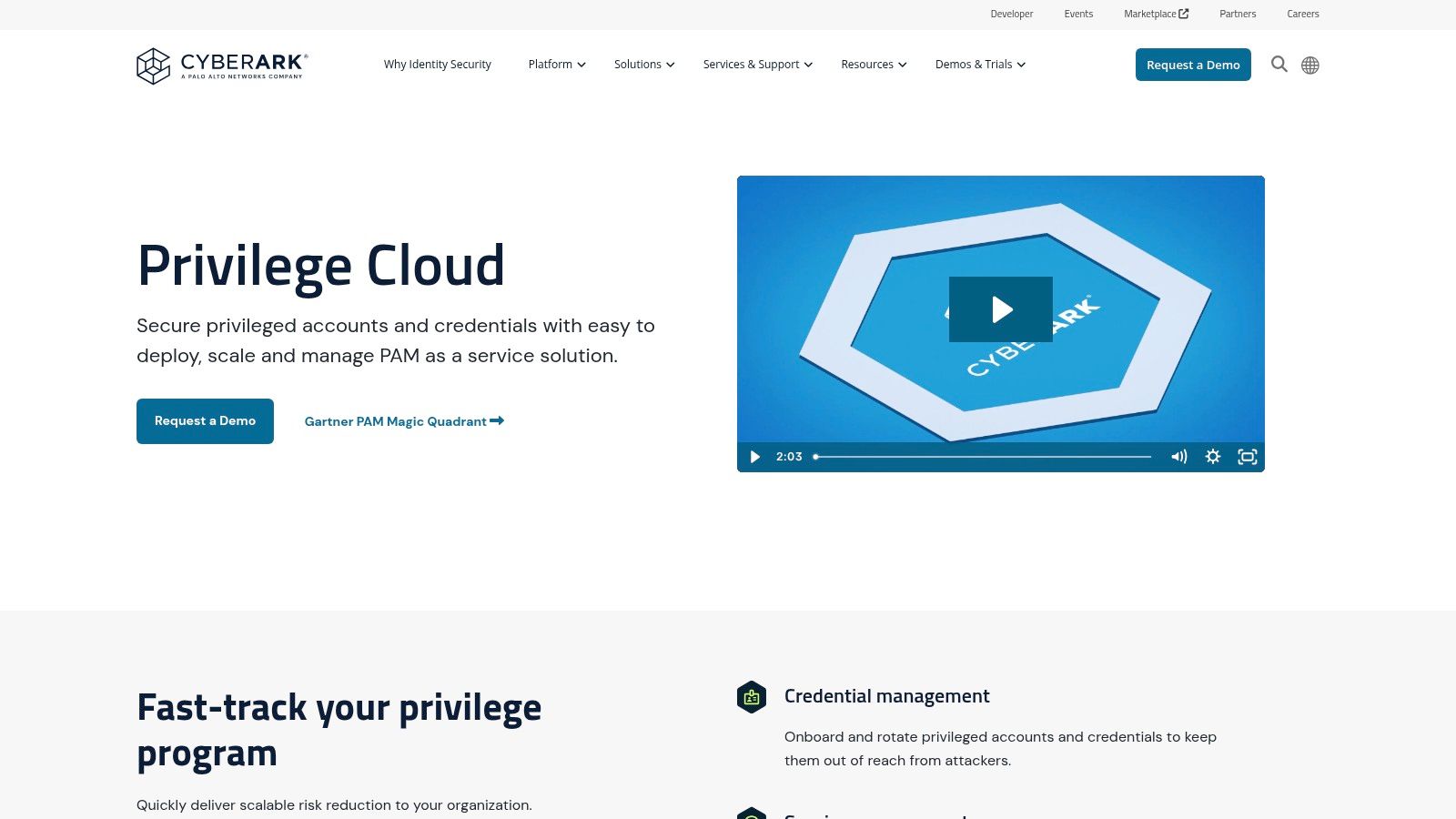
CyberArk isn't your starter IAM tool. It's what you bring in when privileged access becomes a critical problem.
That usually happens after growth. An engineer has domain admin rights they don't really need anymore. A vendor still has server access. Service accounts are scattered everywhere. Nobody's fully sure who can touch backups, firewalls, or production systems. That's when a plain SSO platform stops being enough.
When privileged access is the real risk
CyberArk focuses on vaulting, session isolation, recording, just-in-time access, and reducing standing privilege. For businesses handling sensitive records, regulated data, or client environments, those controls can make the difference between a contained event and a very expensive one.
IBM-referenced reporting puts the average cost of a single data breach at USD 4.45 million in 2023. That's why mature IAM guidance now leans so hard on least privilege, MFA, regular access reviews, and Zero Trust.
Field note: If your backup console, hypervisor, firewall, and Microsoft tenant can all be reached with the same all-powerful admin habits you've used for years, your risk isn't abstract. It's operational.
CyberArk makes the most sense when you already know privileged accounts are a business issue, not just a technical detail. That's common in firms working toward stronger insurance requirements, HIPAA safeguards, or tighter vendor access rules.
If that's your next security gap, this Indiana-focused guide on preventing data breaches pairs well with a PAM discussion.
You can review the platform on the CyberArk Privilege Cloud page.
8. SailPoint Identity Security Cloud
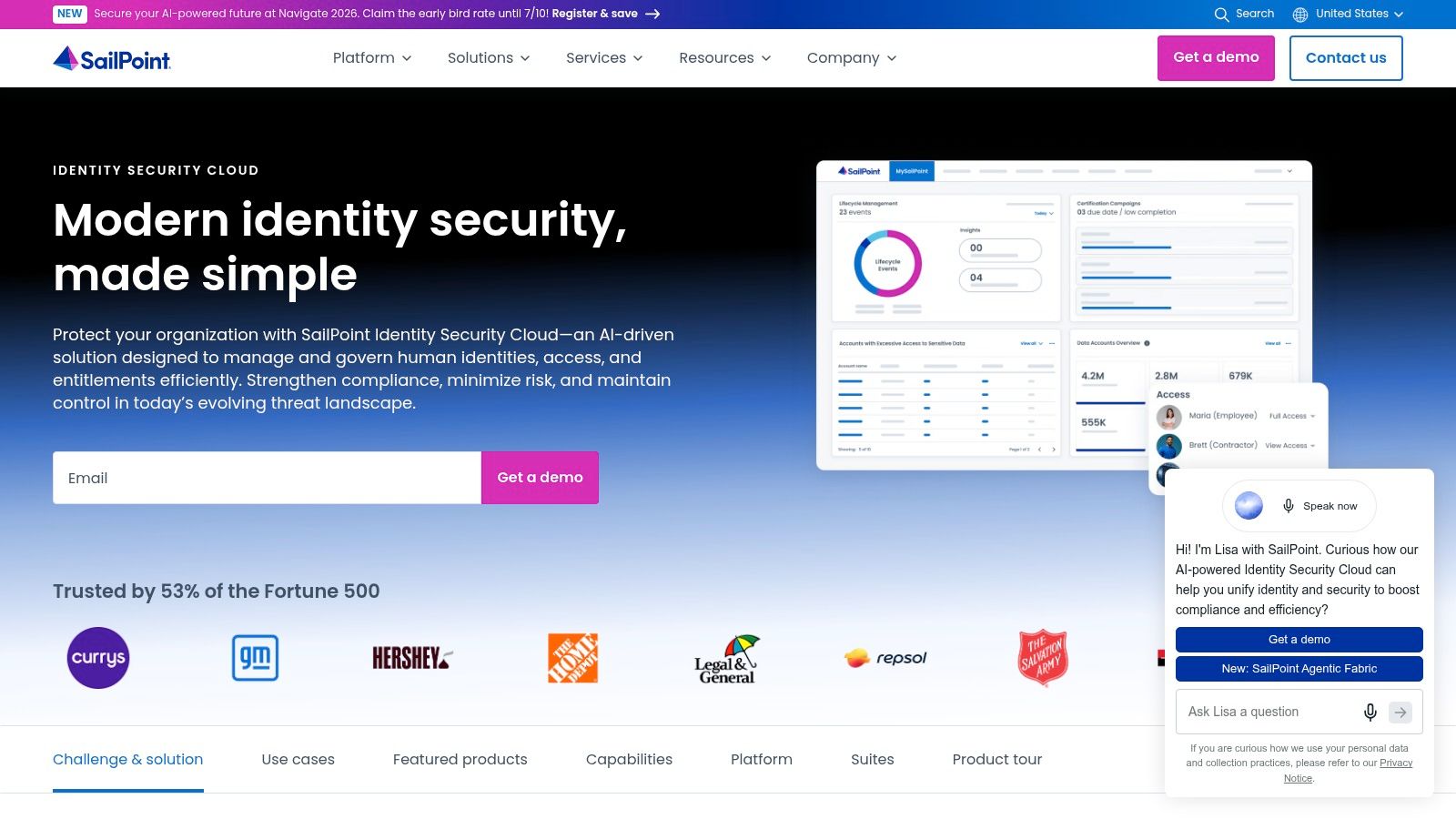
A Greenwood healthcare practice adds a billing contractor, a new office manager, and a part-time IT vendor in the same month. Six months later, nobody is fully sure who still has access to patient systems, who approved it, or whether the last access review was real. That is the problem SailPoint is built to solve.
SailPoint sits in the identity governance and administration category. It focuses on access certifications, role design, policy enforcement, separation of duties, lifecycle controls, and oversight for employees, contractors, and other non-employees. For Indiana SMBs dealing with HIPAA, CMMC, or customer security questionnaires, that matters because auditors and insurers usually care about more than login security. They want proof that access is appropriate, reviewed, and removed on time.
This platform makes the most sense after the basics are already in place. If a company along the I-65 corridor still has weak MFA coverage or inconsistent single sign-on, I would fix that first. If the pain has shifted to spreadsheet-based reviews, messy joiner-mover-leaver processes, and too many one-off exceptions, SailPoint starts to earn its keep.
The trade-off is straightforward. You get stronger control over who has access and why, but you also take on a real governance project.
A few practical truths:
- What it does well: Access certifications, lifecycle governance, policy-based approvals, and cleaner control over contractors and other third parties.
- What it costs you: Planning, process cleanup, application mapping, and a serious implementation effort.
- Who should care: Healthcare groups, manufacturers with defense requirements, multi-entity businesses, and firms where audit findings keep coming back to access control.
For Johnson County businesses, the ROI usually shows up in risk reduction and staff time. Managers spend less time chasing access spreadsheets. IT spends less time guessing who approved what. Compliance conversations get easier because the evidence is organized instead of reconstructed at the last minute.
You can learn more on the SailPoint Identity Security Cloud page.
9. Google Cloud Identity (workforce) and Identity Platform (CIAM)
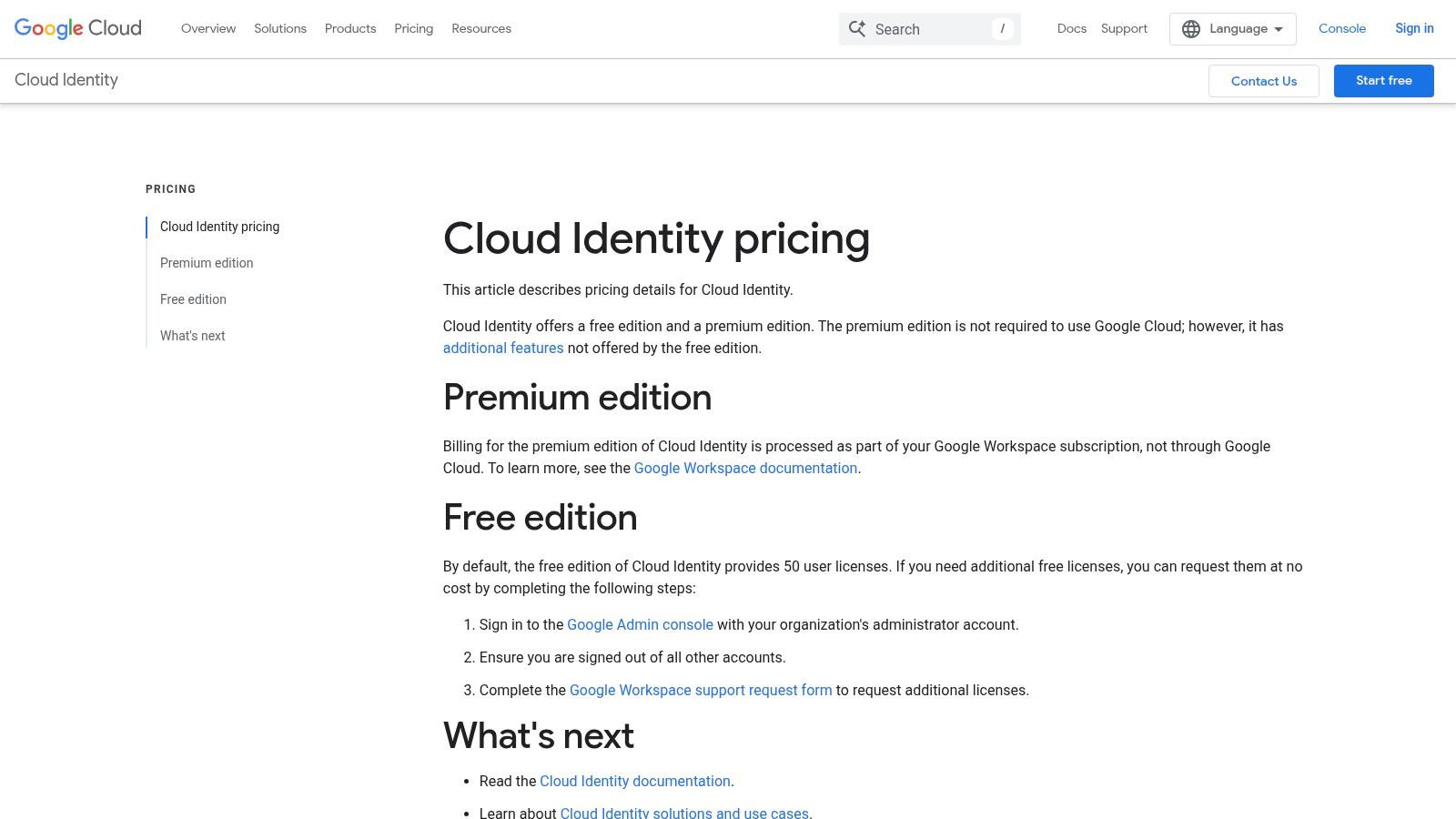
Google's identity offerings split into two lanes. Cloud Identity handles workforce basics like user and device management, while Identity Platform targets customer-facing app authentication. That split matters. Too many buyers mash workforce IAM and CIAM together and end up with the wrong tool for both jobs.
For a Google Workspace-centric company, Cloud Identity can be a tidy fit. For a software team building a portal, app, or customer login flow, Identity Platform may be the more relevant piece.
Better for Google-first environments
This is one of those products that's easier to love if you're already inside the ecosystem. Google Workspace, Chrome-based workflows, GCP, and modern web application development all pull in the same direction here.
Where it fits best:
- Workforce use: Smaller or mid-sized teams already standardized on Google.
- Customer identity use: Development teams building external sign-in experiences.
- Trade-off: Governance depth isn't in the same league as dedicated IGA platforms.
I wouldn't force this into a Microsoft-heavy office in downtown Indy or a hybrid manufacturing environment near Greenwood that's still anchored to Windows and on-prem systems. But for a cloud-native startup or app team, it can be clean and developer-friendly.
You can review both on the Google Cloud Identity pricing page.
10. Auth0 (Okta Customer Identity Cloud)
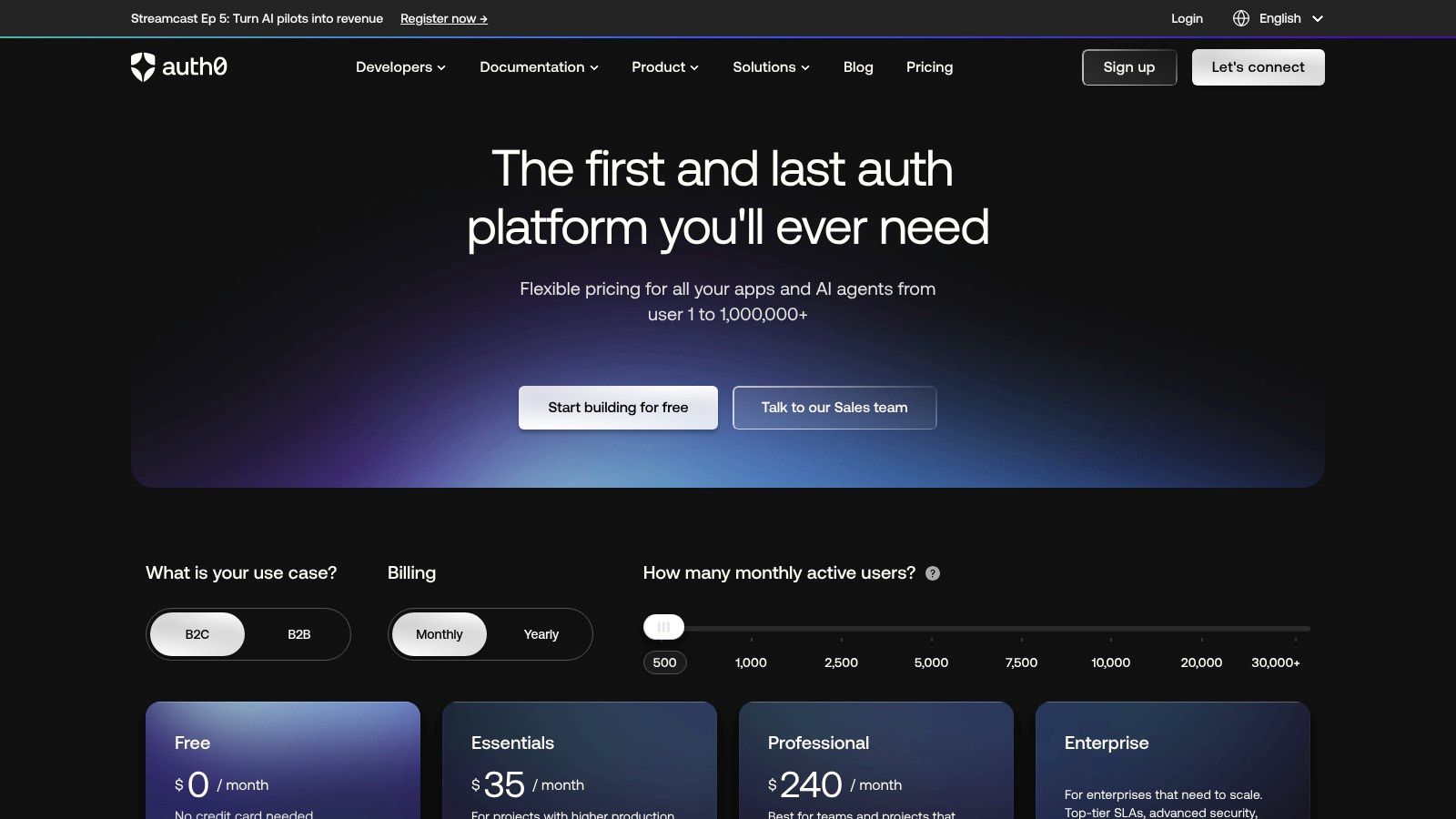
A Greenwood company launches a customer portal. Staff log in through Microsoft 365, but customers need account creation, password resets, MFA, social sign-in, and clean access controls for outside users. That is a different job than workforce IAM, and it is why Auth0 earns a spot on this list.
Auth0 is built for customer identity. It gives application teams control over login flows, passwordless options, social and federated identity, MFA, authorization rules, and attack protection without forcing them to bend an employee directory tool into a customer-facing role. For Indiana SMBs along the I-65 corridor, that matters when the portal, app, or partner login is tied directly to revenue, service delivery, or compliance expectations.
Best for external users and product teams
Auth0 fits best when identity is part of the product experience, not just an internal security control. If a Johnson County manufacturer has a dealer portal, a medical practice needs a patient-facing app with tighter access controls, or a local SaaS firm is building multi-tenant roles for customers and partners, Auth0 gives developers room to shape the experience.
It also comes with trade-offs.
Auth0 is not the product I would put in front of laptop management, Wi-Fi authentication, or HR-driven employee onboarding and offboarding. Teams without development help can also find it harder to tune well than simpler workforce-first tools. The upside is flexibility. The cost is more planning, more implementation discipline, and closer coordination between IT and whoever owns the application.
Auth0 is usually the right fit when:
- Your primary users are customers, patients, members, dealers, or partners.
- Your team needs custom authentication flows and API authorization.
- You expect login, tenant structure, or access rules to change as the product grows.
- Business continuity depends on giving outside users reliable access without exposing internal systems.
For regulated Indiana businesses, this distinction matters. HIPAA and CMMC conversations often focus on employee access first, but external portals can create their own risk if authentication is weak or poorly segmented. Auth0 can help address that side of the problem, especially when customer access needs to stay separate from the systems your staff use every day.
You can explore plans on the Auth0 pricing page.
Top 10 IAM Tools: Feature Comparison
| Product | Core Capabilities | Target Audience | UX / Quality | Pricing & Value | Unique Selling Points |
|---|---|---|---|---|---|
| Microsoft Entra ID (Azure AD) | SSO, MFA, Conditional Access, RBAC, ZTNA options | 👥 Microsoft 365 / Windows‑centric orgs | ★★★★; 🏆 Deep MS integration, familiar admin UX | 💰 Free tier; per‑user plans; P2 & Governance add cost | ✨ Native Microsoft ecosystem ties; Entra family (governance, ZTNA) |
| Okta Workforce Identity Cloud | SSO, Adaptive MFA, Lifecycle Mgmt, Access Governance | 👥 Vendor‑neutral, SaaS‑heavy orgs & integrators | ★★★★; 🏆 Broad app ecosystem & tooling | 💰 Modular suites; scales well; annual billing may apply | ✨ Extensive integrations; strong developer/admin APIs |
| Cisco Duo | Phishing‑resistant MFA, passwordless, device health, VPN‑less access | 👥 SMBs & regulated orgs seeking quick security wins | ★★★★; 🏆 Fast to deploy, clean admin experience | 💰 Free tier (≤10 users); transparent tiers; higher tiers for advanced ZT | ✨ MFA‑first approach; Duo Network Gateway for VPN‑less access |
| JumpCloud Open Directory Platform | Cloud Directory, SSO, MFA, MDM, Cloud LDAP/RADIUS | 👥 Modern SMBs & MSPs wanting unified identity+endpoint | ★★★★; consolidated console reduces admin overhead | 💰 Clear per‑item pricing; 30‑day trial; platform tiers via sales | ✨ Single pane for identities + device management; Wi‑Fi/RADIUS support |
| OneLogin by One Identity | SSO, MFA, Universal Directory, Lifecycle Automation | 👥 SMBs needing SSO + MFA + provisioning | ★★★★; straightforward setup & app catalog 🏆 | 💰 Transparent tiered pricing; good SMB value | ✨ HR‑driven lifecycle; risk‑based SmartFactor authentication |
| Ping Identity Platform | SSO/MFA, federation, API access, fine‑grained authorization | 👥 Large enterprises with complex/hybrid federation needs | ★★★★; enterprise‑grade but more involved to deploy | 💰 Quote‑based; fewer public SMB bundles | ✨ Advanced federation & hybrid/on‑prem deployment options |
| CyberArk Identity Security Platform (PAM) | Vaulting, session isolation/recording, JIT access, secrets mgmt | 👥 Organizations protecting privileged accounts & compliance scopes | ★★★★★; 🏆 Market‑leading PAM with deep auditing | 💰 Quote‑based; higher implementation overhead | ✨ Zero standing privileges; remote vendor access without VPN |
| SailPoint Identity Security Cloud (IGA) | Access certifications, role modeling, lifecycle, policy enforcement | 👥 Regulated industries & enterprises needing governance | ★★★★★; 🏆 Strong audit/governance capabilities | 💰 Tailored pricing; phased adoption (Navigators) | ✨ AI‑driven access modeling; SoD & certification depth |
| Google Cloud Identity / Identity Platform | Workforce directory, SSO, device policies; CIAM (MAU pricing) | 👥 Google Workspace/GCP shops & app teams (B2C CIAM) | ★★★★; good SDKs/docs; developer‑friendly | 💰 Free/premium Cloud Identity; Identity Platform MAU billing with free band | ✨ Tight Google integration; solid developer tooling for CIAM |
| Auth0 (Okta Customer Identity Cloud) | CIAM: passwordless, social login, MFA, rules/actions, attack protection | 👥 App developers & companies building customer portals/mobile apps | ★★★★; 🏆 Excellent developer experience & fast prototyping | 💰 Transparent entry tiers; costs scale with MAU & add‑ons | ✨ Extensible rules/actions, advanced attack protection, private cloud option |
From choosing a tool to building a fortress
Picking a tool from this list is step one. The actual ROI shows up after deployment. That's where policy design, app integration, user provisioning, contractor access, legacy directory cleanup, and staff training either come together or fall apart.
Projects often stall for many businesses in Greenwood, Southport, and across the I-65 corridor: The software gets purchased, MFA gets partially turned on, a few apps connect, and then day-to-day operations take over. A year later, the company has a shiny admin portal and the same old access sprawl. That's worse than doing nothing because leadership thinks the problem is solved.
In our 17 years of local service, we've seen the same pattern over and over. A shop in a Greenwood business park still running aging server hardware. A medical office with HIPAA concerns and shared workstations. A small manufacturer adding remote users and vendor access without a real Zero Trust architecture behind it. The tool wasn't always wrong. The rollout was.
A good IAM deployment protects uptime. It helps you disable access cleanly when someone leaves. It keeps ransomware from spreading through over-privileged accounts. It reduces the wasted tech time your office manager, ops lead, or internal IT person spends chasing passwords, permissions, and broken sign-ins. That time goes back into billable work, production, and customer service instead of administrative drag. It also gives you a more predictable monthly budget because you're reducing fire-drill labor and lowering the odds of a major access-related incident.
The technical side matters too. Good identity work isn't just flipping on MFA. It means tying access decisions to device trust, mapping roles to business functions, reducing standing privilege, and feeding logs into SOC-as-a-Service monitoring where it makes sense. In mature environments, it should connect to endpoint controls like Bitdefender GravityZone, secure networking layers such as UniFi networking, and backup strategies that include immutable off-site backups. That's how you turn IAM into business continuity, not just another software license.
If you need a broader recovery lens around incident planning, this piece on planning for cyber security incidents is worth your time.
If you're a business in the Greenwood or Indianapolis area and you're ready to take access control seriously, the next step is a Free Network Assessment and Security Risk Audit. We'll help you figure out whether you need workforce IAM, governance, privileged access control, or a simpler MFA-first rollout. Then we'll build a deployment plan that fits your environment, your compliance pressure, and your actual staff capacity.
If you're in Greenwood, Indianapolis, or anywhere nearby in Johnson County, Finchum Fixes IT can help you sort out access sprawl before it turns into downtime, compliance trouble, or a breach response. Schedule a Free Network Assessment or Security Risk Audit and get a practical plan for the right IAM rollout, built for your business instead of a vendor demo.