Ultimate Guide: How to Prevent Computer Viruses in 2026

Monday at 8:07 a.m. starts like any other day. The office manager in Greenwood can’t open the shared drive. Accounting gets a ransom note instead of QuickBooks files. Production can’t pull job specs. The owner stands in a server closet that should’ve been retired years ago, staring at blinking lights and asking the same question every business owner asks in that moment.
How did this happen?
Around the I-65 corridor, the answer usually isn’t exotic. It’s a missed patch, a user with too much access, a bad click, weak separation between systems, or a backup that looked fine right up until restore time. If you want to know how to prevent computer viruses, stop treating it like a one-time software purchase. It’s a business continuity plan. It’s how you keep payroll moving, production running, and staff from burning half a day on emergency workarounds instead of revenue-generating work.
Your Wake-Up Call from the I-65 Corridor
TL;DR
- Virus prevention is a continuity issue: downtime kills momentum, revenue, and customer trust.
- Most infections start small: old software, phishing, weak permissions, or sloppy device management.
- The best defense is layered: antivirus, patching, least privilege, staff training, segmented networks, and tested backups.
- Automatic updates matter: outdated systems are a prime entry point for malware.
- Users need training: one click can bypass a lot of expensive tech.
- Backups must be off-site and resilient: a USB drive in the office isn't enough anymore.
- Advanced monitoring helps contain damage fast: EDR, SIEM, and response playbooks reduce chaos.
- For Indiana SMBs: predictable monthly security beats surprise cleanup every time.
A lot of Johnson County business owners still think viruses are a nuisance issue. Slow computer. Weird popup. Call somebody to clean it up. That mindset is expensive.
When ransomware or another destructive malware strain lands on a business network, the problem isn’t the infected laptop. The problem is the interruption to everything tied to it. Orders stop. Phones get messy. Staff wait around. Customers hear, “We’re having a system issue.” Nobody invoices faster because of a breach.
The ugly part is how ordinary the starting point can be. An old front-desk PC. A browser plugin nobody updates. A stale Windows machine running line-of-business software because “it still works.” An employee opening a fake shipping notice while juggling ten things before lunch. That’s how most real incidents begin. Not with movie-style hacking. With normal business friction.
What downtime really costs
The cost of downtime can reach up to $9,000 per minute for some businesses. Even if your company isn’t operating at that level, the lesson is the same. Unplanned outage time is never cheap. It hits payroll, service delivery, customer confidence, and your team’s ability to focus on paid work instead of damage control.
A managed, layered security approach costs less than emergency scrambling because it changes your spending pattern. You move from surprise invoices and lost hours to a predictable monthly operating cost. That’s better for cash flow, and it’s a lot better for sleep.
Why prevention beats cleanup
Virus cleanup is reactive. Good security design is operational.
Businesses that stay clean usually aren't “luckier.” They run tighter systems, remove unnecessary risk, and make routine maintenance automatic.
That matters in Greenwood business parks, old southside office buildings, and fast-growing shops near downtown Indy alike. The local pattern is familiar. Aging hardware, flat networks, weak Wi-Fi in old brick buildings, and software that nobody wants to touch because it supports a core process. Those environments stay stable until they don’t.
If you’re trying to prevent computer viruses, the goal isn’t perfection. The goal is to make infection less likely, contain damage when something slips through, and recover without turning your week into a crisis.
Fortify Your Digital Front Door
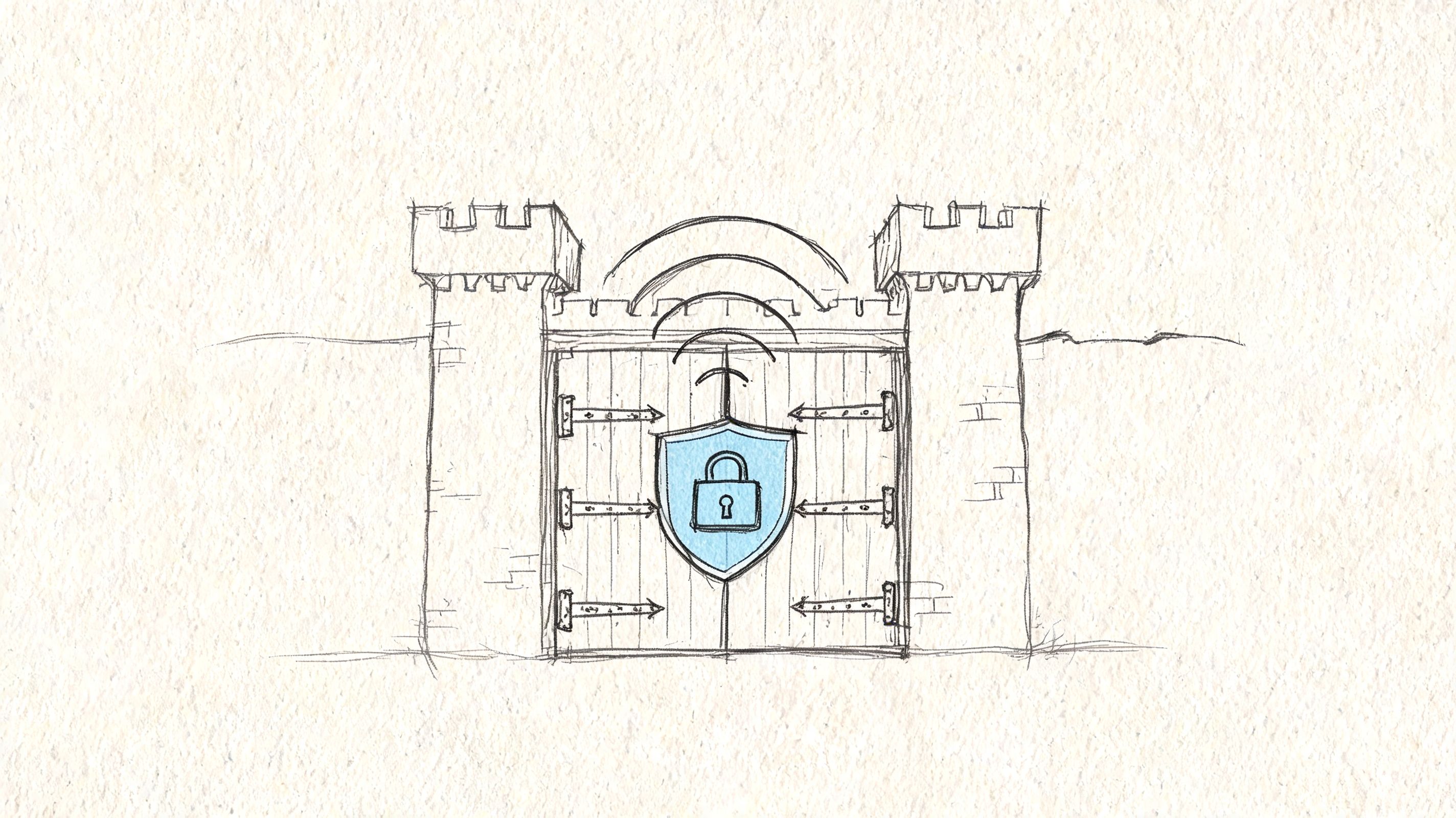
The first job is boring on purpose. Lock down endpoints. Clean up permissions. Separate systems that shouldn’t trust each other. Businesses often skip this because it doesn’t feel dramatic. It works anyway.
Start with endpoint protection that’s actually managed
Consumer antivirus isn’t enough for a business with shared files, remote users, mobile devices, and compliance pressure. A tool like Bitdefender GravityZone gives IT teams centralized policy control, alerting, quarantine actions, and better visibility across the fleet. That matters because a security product only helps if someone confirms it’s installed, updated, and behaving the same way on every endpoint.
The mistake I see most is assuming “we have antivirus” means “we’re covered.” It doesn’t. If one laptop has scanning disabled, one salesperson is running unapproved software, or one neglected machine missed policy updates, you’ve got a gap big enough to matter.
If you’re comparing tools, this small business antivirus guide gives a useful business-focused view of what to look for.
Cut off malware’s favorite route with least privilege
Most small businesses hand out local admin rights because it’s easy. People need to install a printer. A legacy app complains. Somebody doesn’t want to wait on IT. That convenience opens a big door.
The Principle of Least Privilege, or PoLP, means users get only the access they need to do their job. Not more. Not “just in case.” According to this PoLP breakdown, organizations enforcing PoLP reduce successful malware infections by up to 80%, and 94% of ransomware cases exploit admin credentials. The same source notes that, when layered with EDR, PoLP reaches 95% containment efficacy in MITRE ATT&CK evaluations.
That sounds technical, but the rollout is straightforward:
- Audit accounts first. Check who has local admin rights in Microsoft Local Users and Groups or Active Directory.
- Strip unnecessary privileged access. Standard users should work as standard users.
- Give IT separate admin accounts. Don’t let daily email and web browsing happen from privileged accounts.
- Use policy controls. In Windows environments, Group Policy helps enforce privileged access rules and logging.
- Watch service accounts. They’re easy to ignore and often over-permissioned.
- Handle legacy apps carefully. If an old line-of-business tool needs privileged access, pair that exception with controls like application whitelisting through Windows Defender Application Control.
Segment the network so one bad event doesn't become a business-wide event
A flat network is common in smaller Indiana businesses. Everyone and everything lives together. PCs, printers, VoIP phones, guest Wi-Fi, cameras, and maybe the warehouse device that still needs special treatment. That setup is simple until malware lands on one machine and starts moving sideways.
A better design uses UniFi networking or similar business-grade gear to split traffic into practical segments:
| Network area | What belongs there | Why it matters |
|---|---|---|
| User devices | Staff laptops and desktops | Limits spread between normal workstation traffic and other systems |
| Servers and core apps | File servers, line-of-business systems | Protects critical operations from casual device exposure |
| Guest Wi-Fi | Visitors and personal devices | Keeps outside devices away from company resources |
| IoT and facilities | Cameras, printers, door systems | Isolates devices that often have weaker security |
This is a basic piece of Zero Trust architecture. Don’t assume a device is trustworthy just because it’s inside the building. Verify, segment, and restrict.
For companies working toward NIST CSF, HIPAA, or CMMC alignment, these controls aren’t just “nice to have.” They help create the kind of documented, defensible environment auditors expect to see.
Practical rule: If a receptionist’s PC can talk freely to the accounting system, the backup appliance, and the production server, the network is too open.
Automate Your Defenses with Patch Management
There’s one category of security work that consistently pays for itself faster than almost anything else. Patching.
In plain English, patch management means you stop relying on employees to click “update later” and start controlling updates from the center. That includes Windows, macOS, browsers, and third-party apps. It also includes the annoying software nobody loves but everybody depends on.
The Southside version of the problem
A common Indiana scenario looks like this. A financial advisor in the north suburbs has a Windows workstation running industry software that everybody is afraid to disturb. It hasn’t been updated in months because “it works,” and nobody wants to break the workflow before quarter close.
That machine becomes the weak point.
Research summarized by Splashtop’s virus prevention guidance says that most virus and malware infections exploit relatively small security gaps, with outdated software being a primary vulnerability vector. The same guidance notes that security patches are designed to plug those gaps, and that Windows Update is Microsoft’s service for automatically downloading and installing security updates.
That’s the whole case for automation. Attackers don’t need a giant hole. They need one neglected one.
Why manual updating fails
Manual patching sounds fine in a ten-device office. Then real life happens.
- Employees postpone prompts: they’re in the middle of work and don’t want a reboot.
- Line-of-business apps get ignored: everyone assumes somebody else owns them.
- Remote endpoints drift: laptops outside the office miss regular check-ins.
- Failed updates go unseen: the patch “ran” but didn’t complete.
The result is patch roulette. Some machines are current. Some aren’t. Nobody knows for sure without checking one by one, which means nobody checks often enough.
What permanent patch management looks like
A real patch management program has a few traits:
- Central visibility: IT can see what’s current, what failed, and what’s behind.
- Automated deployment: operating systems and third-party apps update on schedule.
- Exception handling: fragile systems get tested and staged, not ignored forever.
- Reporting: someone can prove patch status when leadership, auditors, or insurers ask.
If you want a business-focused overview, this patch management explainer for business owners lays out the practical side well.
Why this has such a strong ROI
Patch management reduces the easiest infections before they start. It also cuts wasted technician time. Instead of cleaning up preventable endpoint messes, your IT team can spend time on projects that improve operations. Better Wi-Fi. Better remote access. Better cloud app performance. Less firefighting.
For businesses along the I-65 corridor, this is often the fastest security win available. Not flashy. Just effective.
Build Your Human Firewall with Smart Training
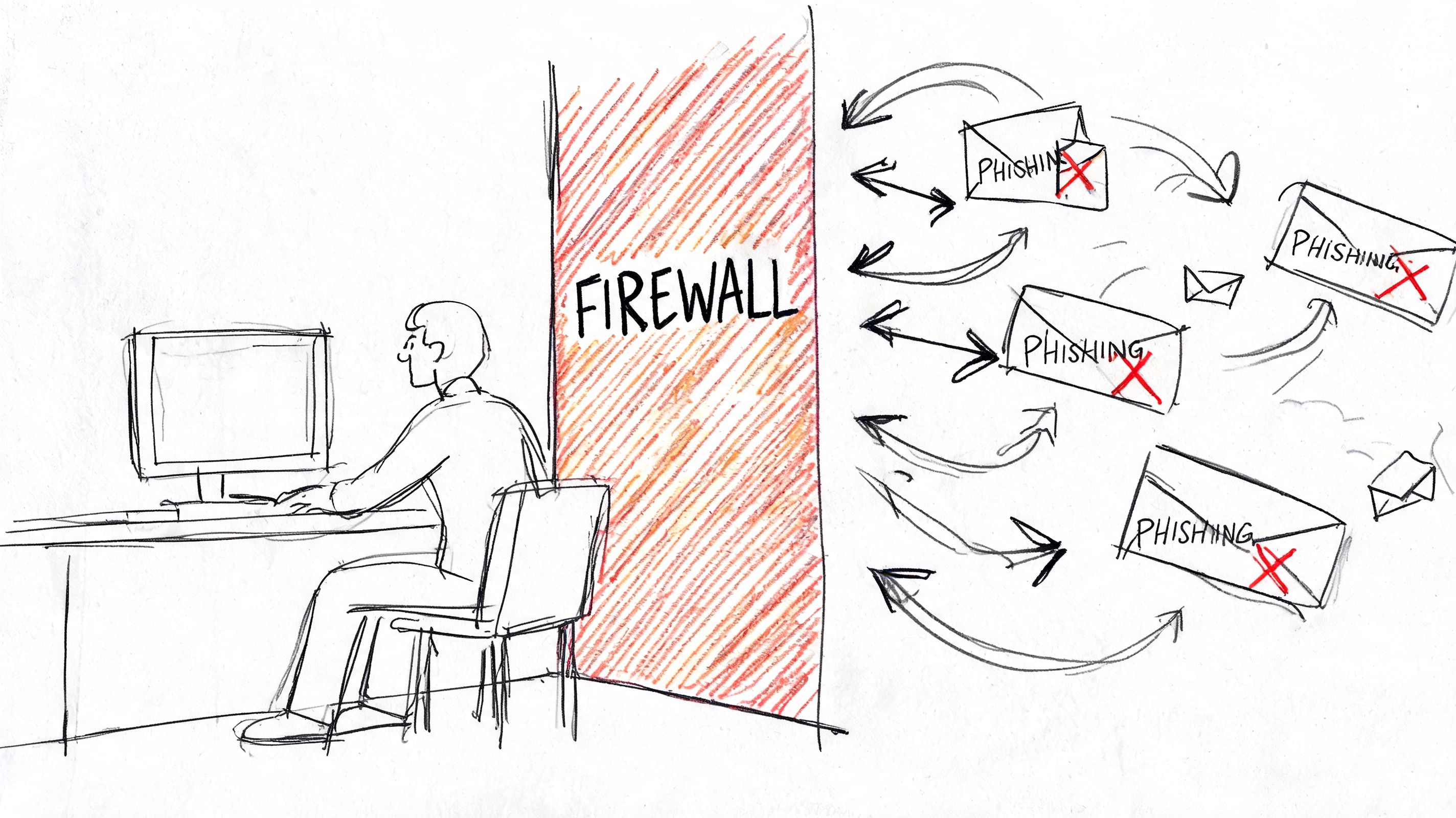
A lot of malware gets invited in. Not intentionally, of course. But it gets past expensive tools because it arrives as a believable email, a shared file request, or a fake prompt that catches someone in a hurry.
That’s why employee training matters. Not annual checkbox training that everyone clicks through while answering email. Real, repeated, practical coaching.
The click that starts the mess
In healthcare, this gets serious fast. A fake compliance message can look routine enough to slip past a tired employee. A subject line about a policy update, a secure document, or a notice from a vendor can push people into reacting before thinking.
I’ve seen environments where the problem wasn’t that staff were careless. It was that nobody had ever shown them what a polished phishing message looks like in practice. Once attackers stopped writing sloppy emails, old-school awareness habits stopped working.
For organizations with HIPAA obligations, that matters twice. It’s a security issue, and it’s a documentation issue. If your team handles patient or other regulated information, you need a repeatable training process that proves staff are being educated on risk.
What useful training looks like
Good awareness training feels more like coaching than punishment.
- Short lessons beat annual lectures: people remember focused examples better than giant slide decks.
- Phishing simulations expose habits: fake tests show where users still struggle.
- Immediate feedback matters: if someone clicks, they should learn what they missed right away.
- Role-based examples help: finance staff see invoice fraud patterns. Front-desk teams see login bait. Executives see wire transfer tricks.
This business guide to phishing protection and ROI is a helpful companion if you want to think about training in operational terms rather than scare tactics.
Staff don't need to become security analysts. They need a reliable pause button before they click.
Teach the small red flags
Most dangerous emails don’t look outrageous anymore. The tells are smaller.
| Suspicious sign | Why it matters | What staff should do |
|---|---|---|
| Unexpected urgency | Attackers want rushed decisions | Slow down and verify through another channel |
| Strange login prompts | Fake credential pages steal passwords | Don’t enter credentials from emailed links |
| Attachment mismatch | File type or context doesn’t fit the message | Confirm with sender before opening |
| Odd sender details | Display name may be right while address is wrong | Check the actual sender information |
A quick visual example helps reinforce that point:
Training works best when leaders participate
If ownership and managers skip the program, the rest of the company will treat it like busywork. When leadership joins simulations, reports suspicious messages, and follows the same process as everyone else, the culture changes.
That shift is what creates a real human firewall. Employees stop feeling blamed and start acting like part of the defense.
Design Your Ultimate Safety Net
Even mature environments get hit. The difference between a bad day and a business-threatening event often comes down to recovery.
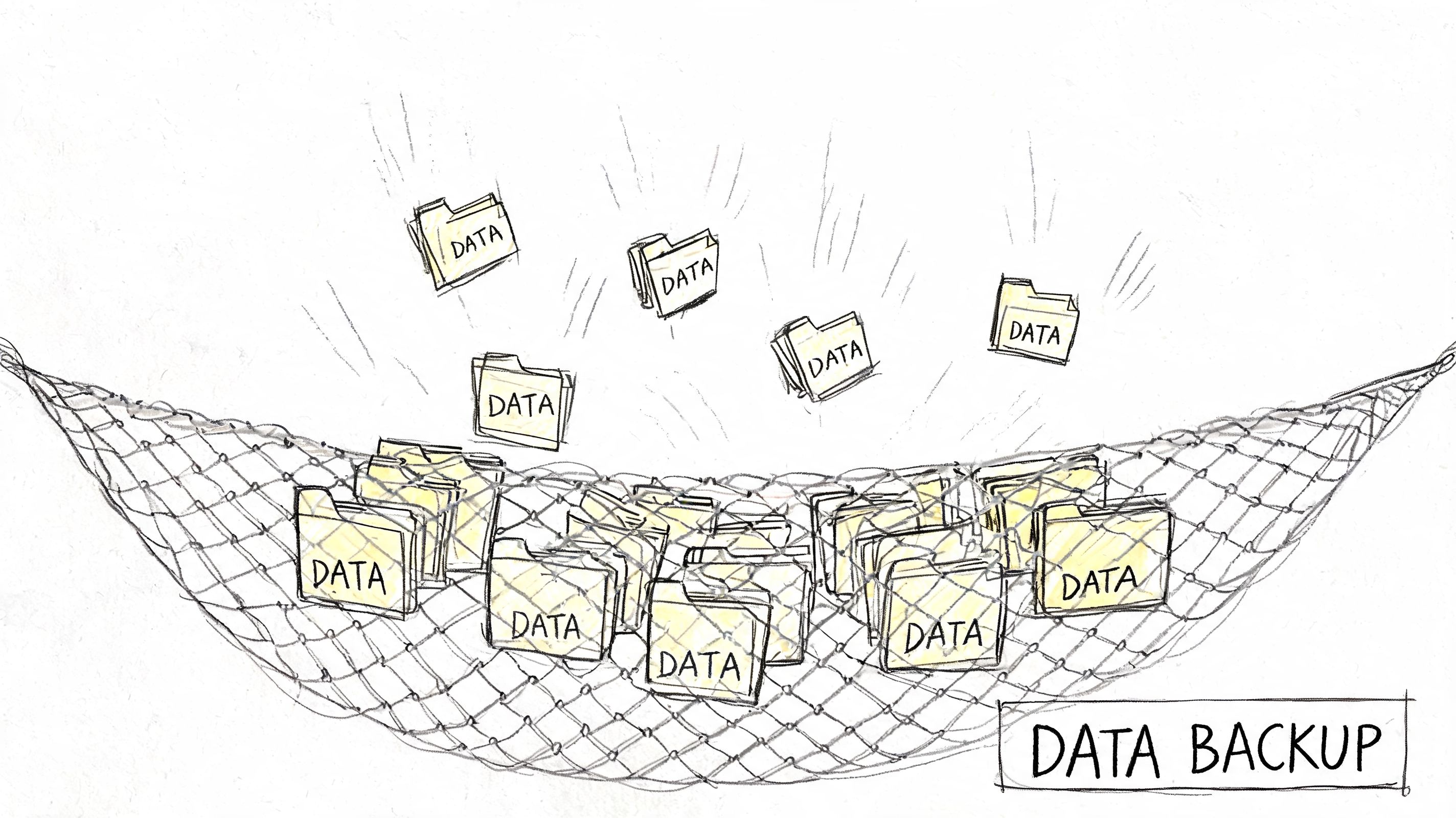
A lot of companies still think they have backups because someone plugs in a USB drive, a staff member copies files to a shared folder, or a local NAS runs a scheduled job nobody has tested lately. That’s not a recovery strategy. That’s hope.
Why old backup habits fail against modern malware
Ransomware operators know where businesses keep the lifeboat. They look for connected drives, mapped shares, and poorly protected backup systems. If the backup is reachable and alterable from the same environment, it may get encrypted right along with production data.
That’s why immutable off-site backups matter. Immutable means the stored data can’t be casually changed or deleted during the retention period. Off-site means it lives away from the primary environment, so a local disaster or malware event doesn’t take everything down at once.
Use the 3-2-1 rule, then make it real
The 3-2-1 backup rule is still a good base model:
- Keep three copies of data. Your production copy plus backup copies.
- Use two different storage types. Don’t bet everything on one device class.
- Keep one copy off-site. If the building or network has a bad day, recovery still exists elsewhere.
The part businesses miss is testing. Backups that never get restored in a test window are assumptions, not protections.
A backup only counts when you can restore the right file, to the right place, in a time frame your business can survive.
Recovery speed matters more than backup bragging rights
Business owners usually ask, “Are we backed up?” The better question is, “How fast can we run again?”
That’s where Recovery Time Objective, or RTO, becomes useful. RTO is the target window for getting a service back online after a disruption. If your phones, ERP, scheduling system, or file share stays down too long, your backup design failed the business even if the data still exists.
This business continuity versus disaster recovery article does a good job separating those ideas. Saving data matters. Restoring operations matters more.
What a resilient backup stack includes
A practical small-to-midmarket backup setup usually includes:
- Automated backup jobs: no dependence on staff memory
- Versioned restore points: so clean copies exist before corruption or encryption
- Off-site replication: separate from the main office
- Immutable protection where possible: to resist tampering
- Regular restore testing: file-level and system-level
- Clear restore priorities: payroll, line-of-business apps, file shares, then everything else
When recovery gets physical
Sometimes the failure isn’t malware. It’s hardware. A dying RAID array, failing controller, or damaged drive can turn a routine outage into a data loss event if nobody handles it correctly. In those cases, bit-level data recovery becomes the difference between “we got the files back” and “we made it worse by guessing.”
When we’ve dealt with failed storage in similar situations, the lesson is always the same. Stop improvising. If the device is physically unstable, every random reboot and every careless software attempt can reduce recovery odds.
That’s why a modern safety net has to cover both malware recovery and hardware recovery. Different causes. Same business need. Get back to work fast.
Deploy Advanced Defenses and Incident Response
Some businesses can tolerate a little disruption. Others can’t. Healthcare groups, logistics firms, manufacturers, defense-adjacent shops, and companies with contractual uptime pressure need more than baseline prevention.
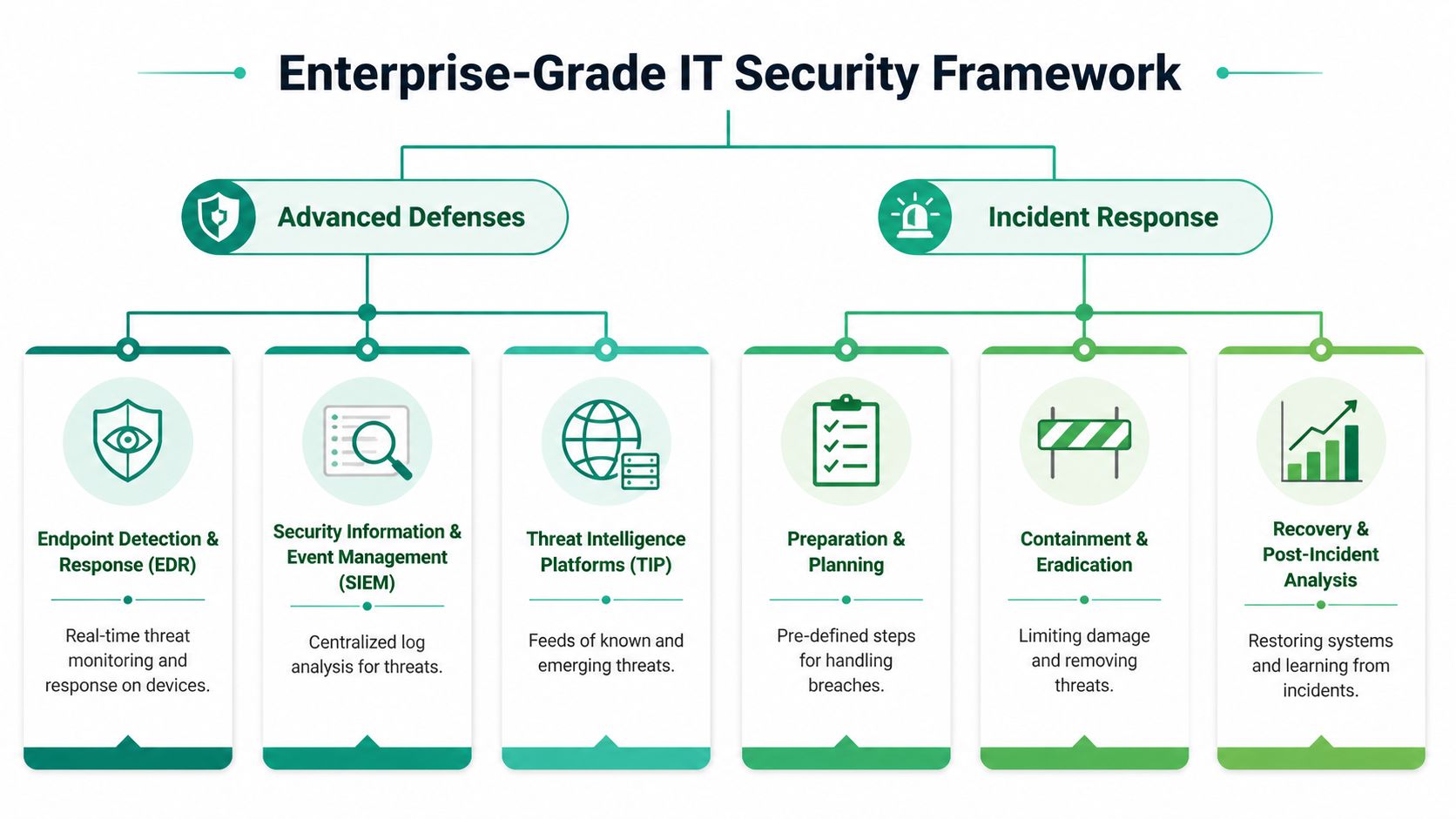
That’s where EDR, SIEM, and a documented incident response process come in. Think of them as the difference between a lock on the front door and a full security operation that notices suspicious movement, records it, and tells the right people what to do next.
Antivirus catches known trouble. EDR watches behavior.
Traditional antivirus looks for known bad files, signatures, or obvious malicious patterns. That still matters. But modern attacks often use built-in tools, scripts, and living-off-the-land techniques that don’t look like old-school viruses at first glance.
Endpoint Detection and Response, or EDR, watches behavior on the device itself. It can flag suspicious process chains, odd privilege escalation attempts, strange persistence behavior, and actions that suggest someone is trying to move laterally or establish control. In practical terms, it’s closer to having a security camera on every workstation and server than having a simple scanner.
For companies aligning with NIST CSF or CMMC, EDR supports the bigger story auditors want to hear. Not just “we installed software,” but “we detect, investigate, and respond.”
SOC-as-a-Service gives smaller companies real eyes on glass
A lot of SMBs buy tools they don’t have time to watch. Alerts pile up. Nobody knows what’s urgent. A noisy dashboard becomes wallpaper.
SOC-as-a-Service monitoring fixes that by putting analysts behind the data. Those analysts review EDR alerts, SIEM events, and threat indicators, then escalate when something needs action. That model gives Indiana businesses access to a level of monitoring that used to be reserved for much larger enterprises.
The other benefit is consistency. Internal staff get sick, go on vacation, change jobs, or wear five hats. A monitored program doesn’t depend on one person remembering to check a console after lunch.
SIEM ties the story together
A Security Information and Event Management, or SIEM, platform pulls logs from multiple places and makes them useful together. Firewall activity. Endpoint alerts. Authentication events. Server logs. Cloud app events. VPN activity.
That correlation matters because isolated events rarely tell the full story. One failed login might be nothing. A string of failed logins, followed by a successful one from an unusual pattern, followed by privilege changes and odd endpoint behavior, is a different conversation.
Good incident response starts before the incident. If your logs are scattered, your process is guesswork.
Initial Incident Response Checklist
When a device looks infected or suspicious, speed matters. So does restraint. Don’t let a panicked employee keep clicking around.
| Phase | Action Item | Critical Note |
|---|---|---|
| Identification | Confirm the unusual behavior and record who saw it first | Preserve details before they disappear |
| Containment | Isolate the affected device from the network | Don’t power-cycle blindly unless a responder directs it |
| Notification | Alert internal leadership and IT/security contacts | Use a known good communication path |
| Preservation | Keep logs, screenshots, timestamps, and affected filenames | Evidence helps scope the event accurately |
| Eradication | Remove malware, disable abused accounts, and block malicious access paths | Don’t return systems to users too early |
| Recovery | Restore clean operations from trusted systems and backups | Validate before reconnecting widely |
| Review | Document root cause and control gaps | Use the incident to improve policy and tooling |
A stronger version of that process lives in this incident response plan template for businesses, which is worth adapting before you need it.
The mature model is layered, not fancy
The point of advanced defenses isn’t to buy shiny tools. It’s to shorten confusion. EDR spots what basic antivirus can miss. SIEM helps connect signals across systems. SOC monitoring helps humans make sense of the noise. Incident response gives your team a script when adrenaline is high.
That stack is what keeps a manageable incident from becoming a week-long outage.
Stop Fighting Fires and Start Building Your Fortress
The businesses that struggle most with viruses usually aren’t ignoring security on purpose. They’re stuck in a cycle. Replace a bad PC. Reset a password. Recover a file. Call for help after something breaks. Repeat.
That cycle feels cheaper month to month, but it costs more over time because it keeps your company reactive. Every emergency steals focus from profitable work. Every unplanned outage forces your team into manual workarounds. Every “quick fix” leaves the original weakness in place.
The layered model that actually works
If you want a practical answer to how to prevent computer viruses, it looks like this:
- Harden endpoints and networks: managed antivirus, limited privileges, and segmented traffic
- Automate patching: close software gaps before attackers use them
- Train users continuously: phishing resistance has to be practiced
- Protect recovery paths: versioned, tested, immutable off-site backups
- Add advanced monitoring where downtime hurts: EDR, SIEM, and response planning
That’s the difference between hoping your tools hold and building an environment that expects trouble and handles it cleanly.
Why Indiana business owners should care now
Across Greenwood, Plainfield, Franklin, Carmel, and the broader Indianapolis area, the same reality applies. Your business depends on systems staying available. Even a small office now runs on cloud apps, local files, wireless devices, vendor portals, payment systems, and remote access. The attack surface is bigger than it used to be, even if the company itself hasn’t grown much.
Security done right protects margin because it reduces disruption. It also gives you a more predictable monthly budget. That’s easier to manage than surprise repair work, rushed hardware replacement, or lost production time after an infection.
The strongest security posture is the one your team can maintain consistently without drama.
Stop waiting for the next bad click, missed update, or over-permissioned account to turn into a shutdown.
If your company is in Greenwood, Indianapolis, or anywhere in the surrounding metro, Finchum Fixes IT can help you move from reactive support to a layered security plan built for uptime, compliance, and sane budgeting. Schedule a Free Network Assessment or Security Risk Audit and get a clear picture of where viruses can get in, what would break first, and how to fix it before downtime starts calling the shots.